The dashboard page displays a summary of MeshExpert services.
An online subscription or an offline license is needed to fully activate MeshExpert.
A notice will appear at the top of Dashboard page if you have not activated MeshExpert, as below:
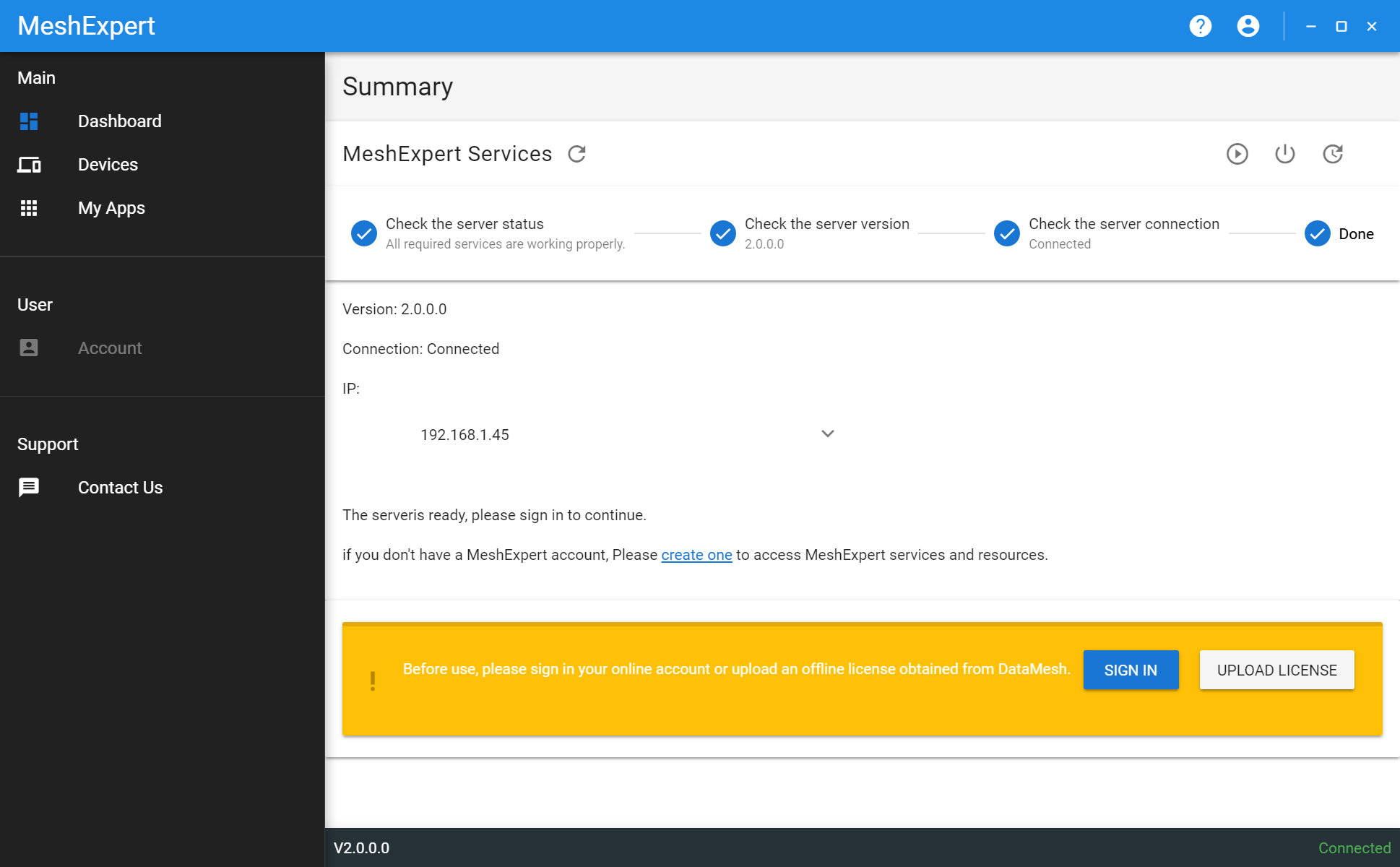
You can create an account for subscription or sign in directly if you already got one. Another choice is to use an offline license. Online subscription is a preferred choice while the offline license should be used only when you have no easy internet access or you are using enterprise edition. You can contact DataMesh service by email service@datamesh.com to get an offline license.
For instance, you started a free trail on DataMesh website, the Dashboard page would display your email and your trial expire days, as shown below.
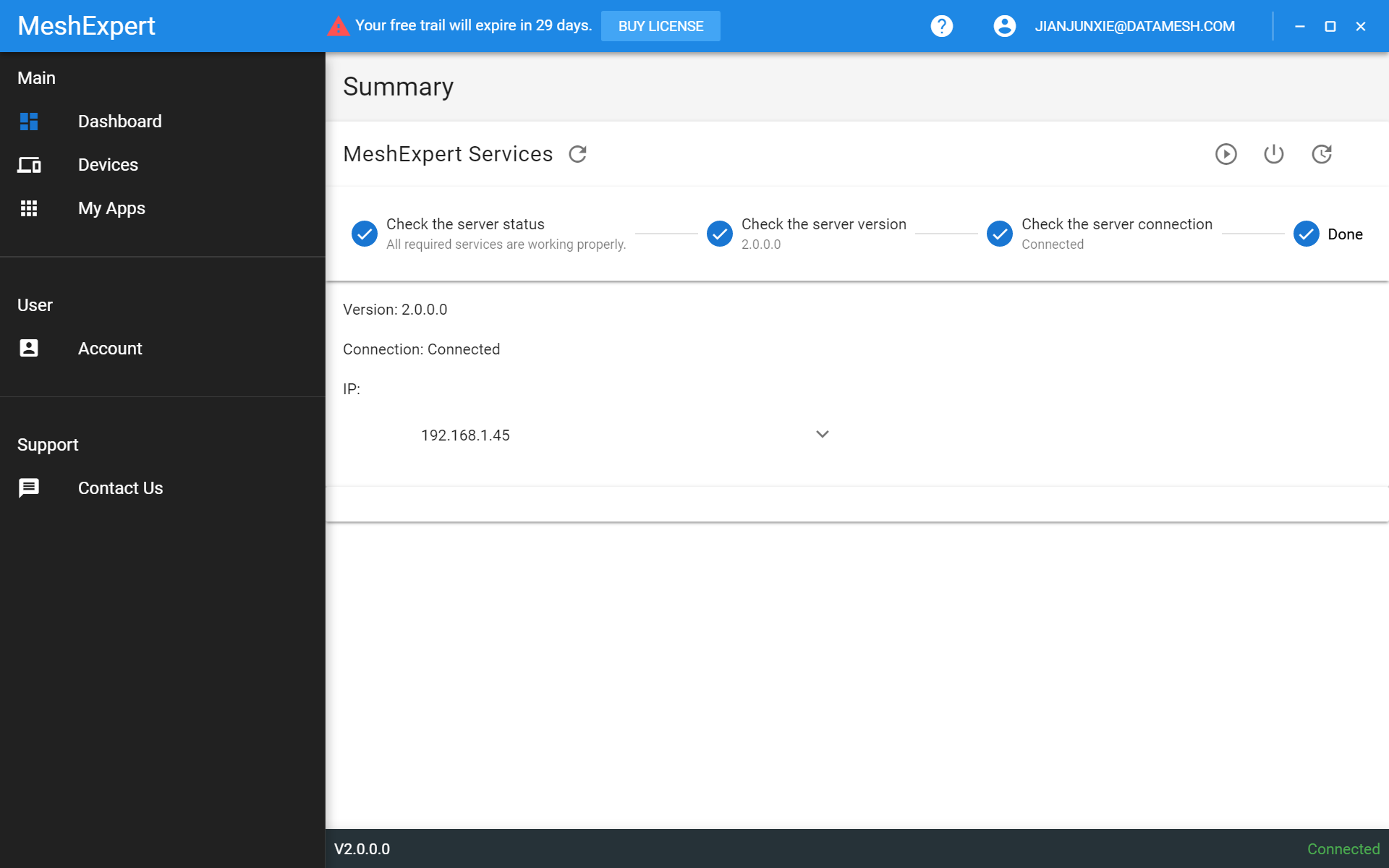
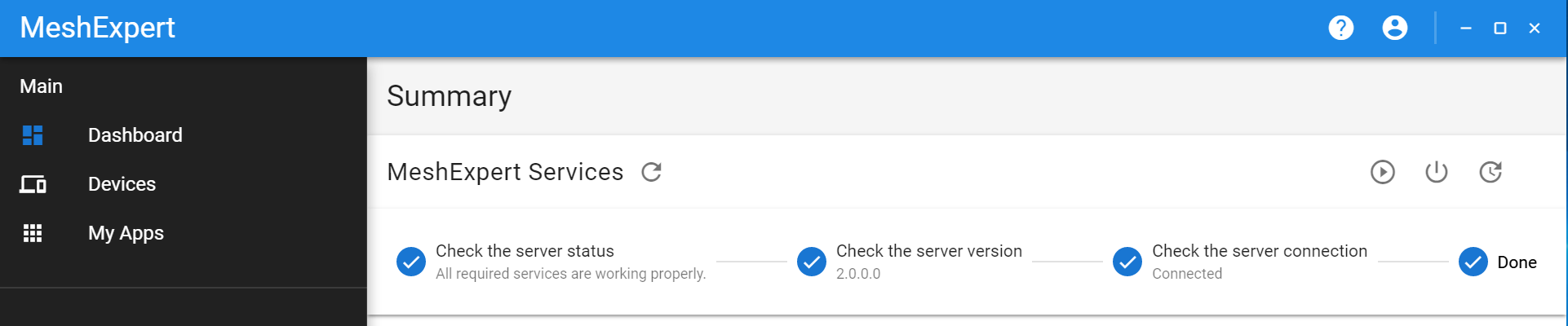
The status of MeshExpert services will be automatically detected and displayed. It went through three steps to verify the service status:
- Check status of MeshExpert-Server and MeshExpert-Mongo.
- Check server version.
- Check if the connection to MeshExpert server is ok.
If service not started or any error should occur, you will get an alert. For instance:
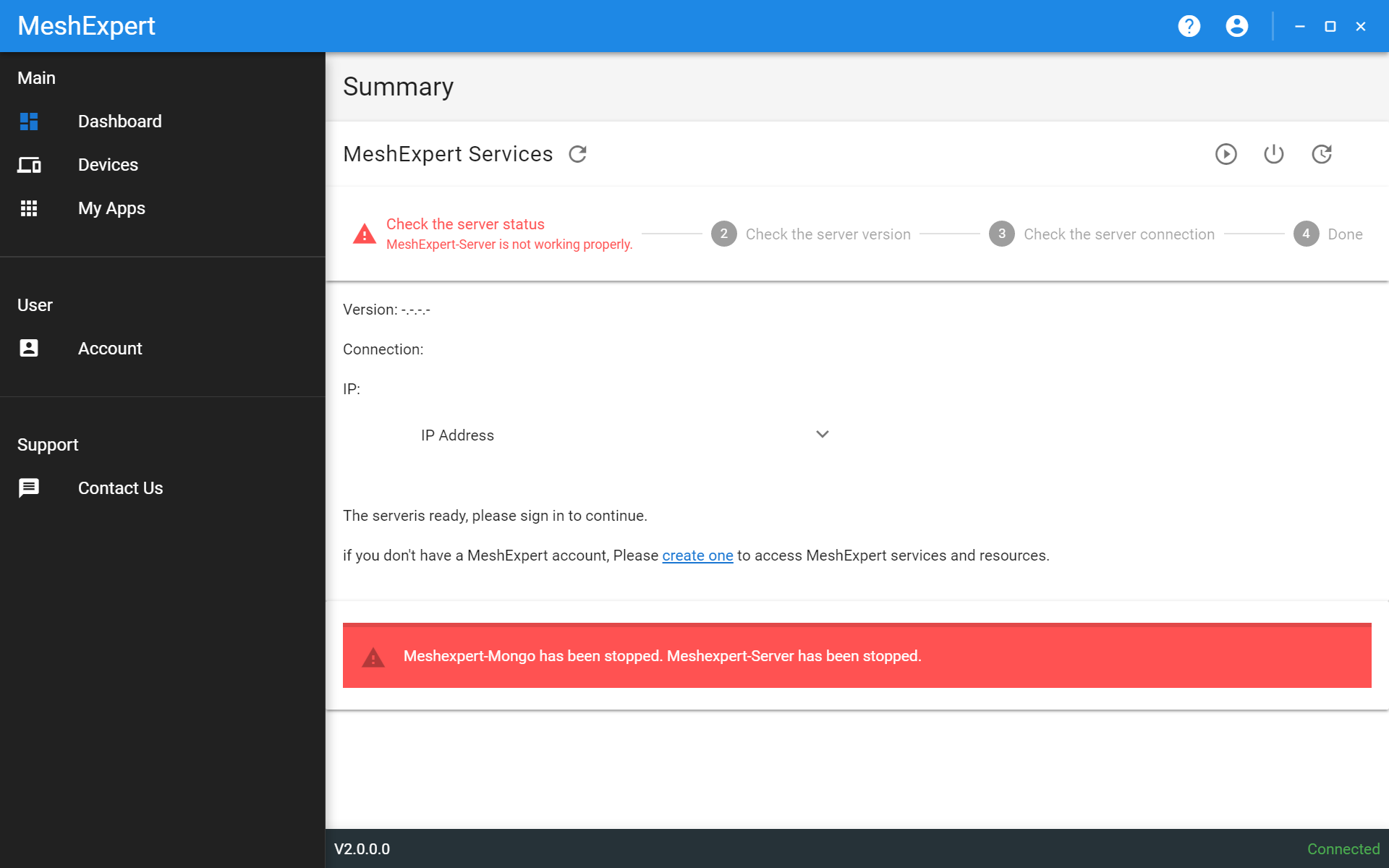
You can start, stop, or restart services by one-click.
The devices page lets you to add and manage your HoloLens.
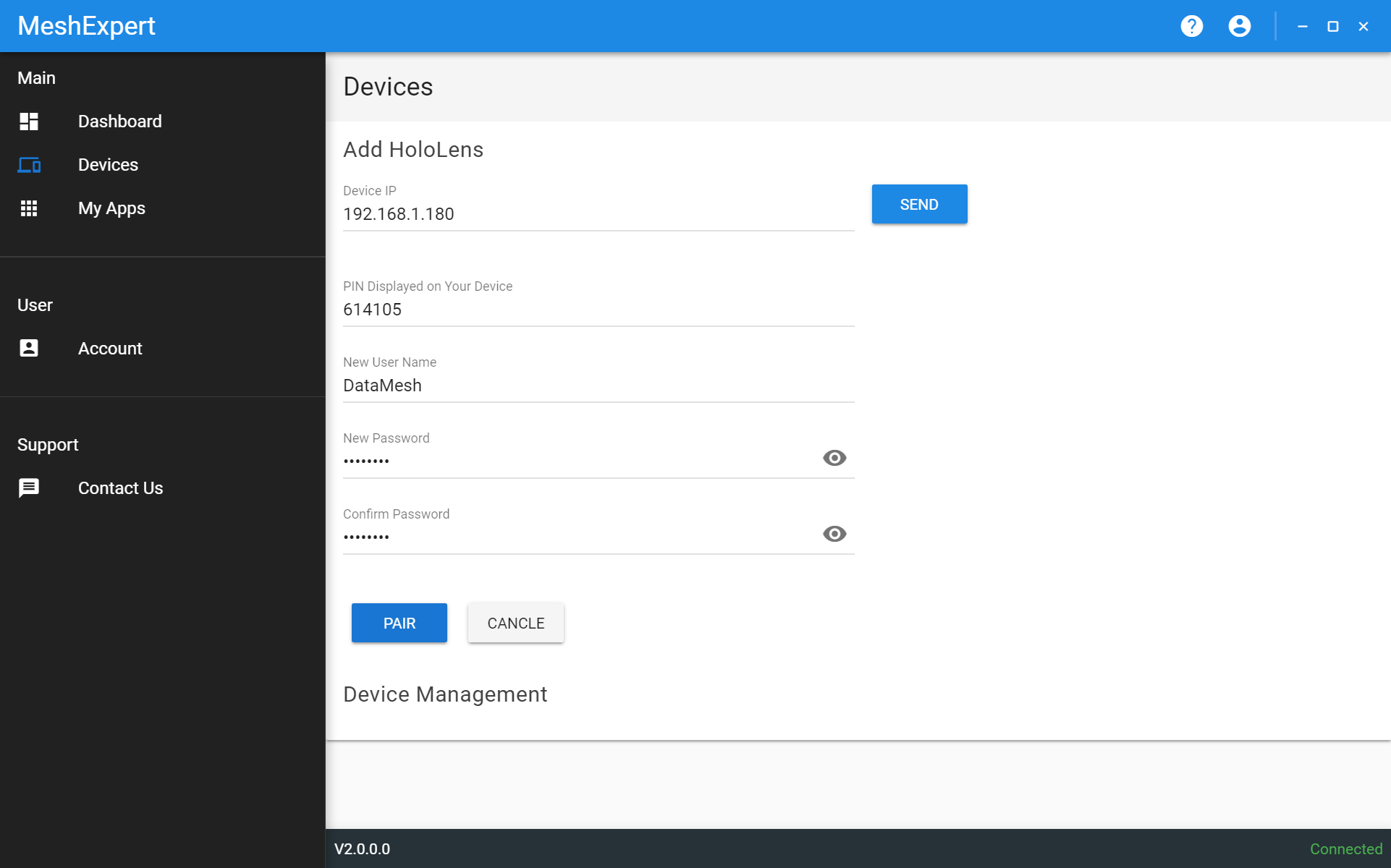
To add one HoloLens, you can follow the instructions below:
- First enter its IP address and click "SEND". It will try to connect your HoloLens and if ok it will enter the Pairing process.
- Then enter the PIN code displayed on your HoloLens.
- Now enter you new user name and password.
- Click "PAIR" to finish.
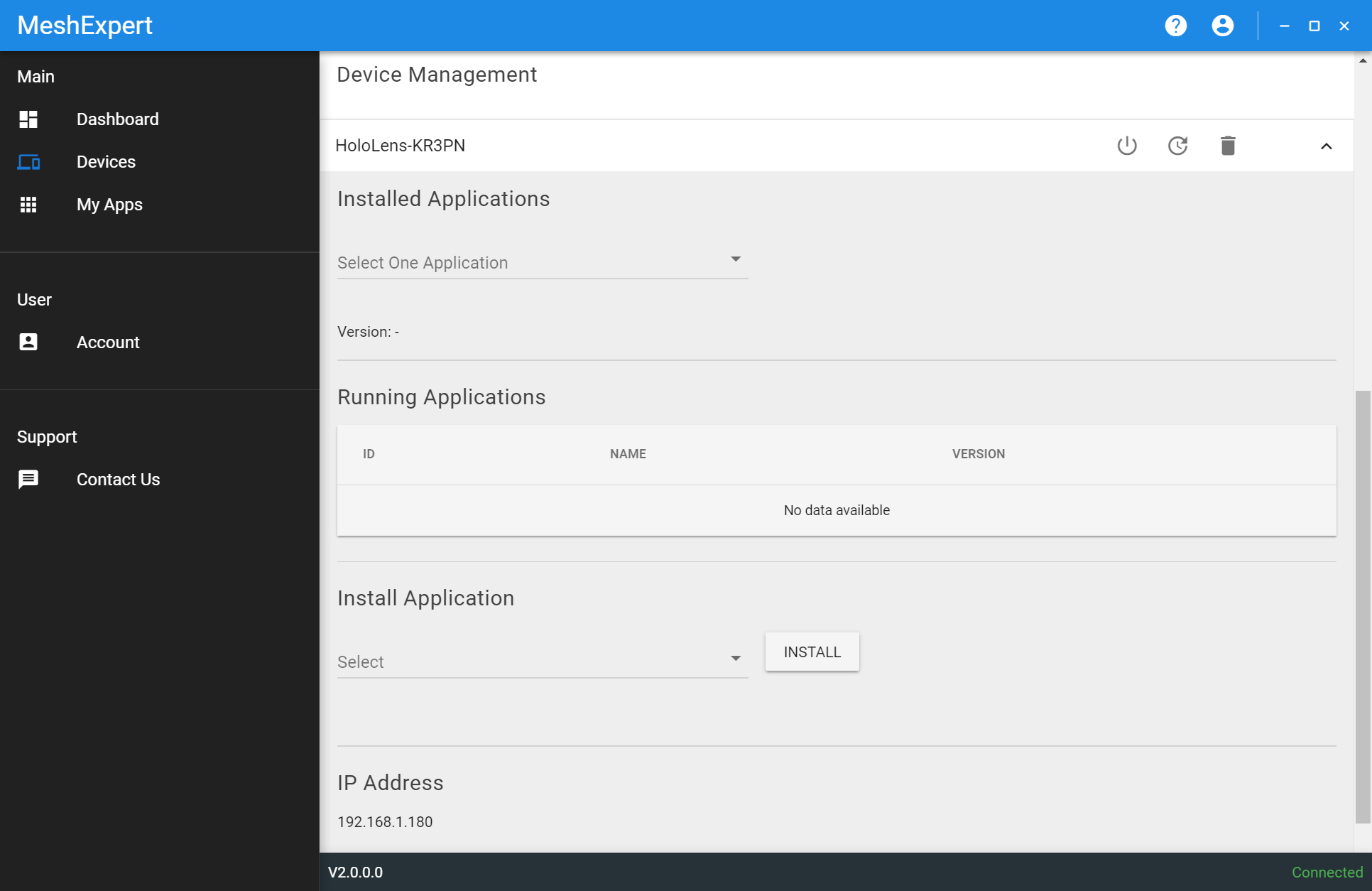
In device management, all your paired devices are listed. You can shutdown or restart your devices here, or you can click "Remove" to remove a device.
You can also click one of your devices to unfold to view installed Apps and running Apps, or install a new app.
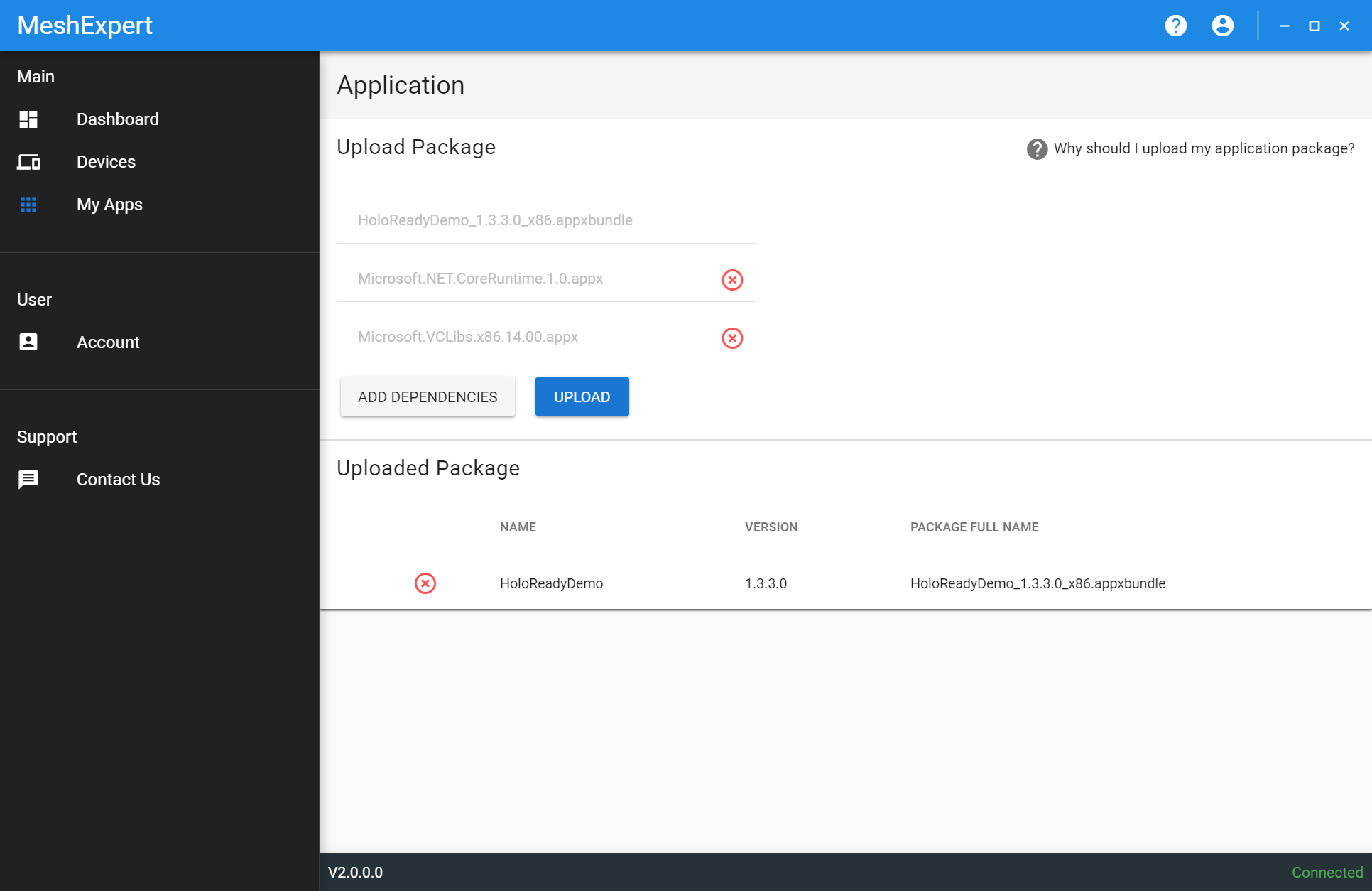
In application page, you can upload your Apps and view Apps you already uploaded.
To upload an App, you can:
- Click the first input space to select the main package bundle.
- Click to select its dependencies.
- Click "ADD DEPENDENCES" to add more dependent packages.
- Finally click "UPLOAD" to finish upload.
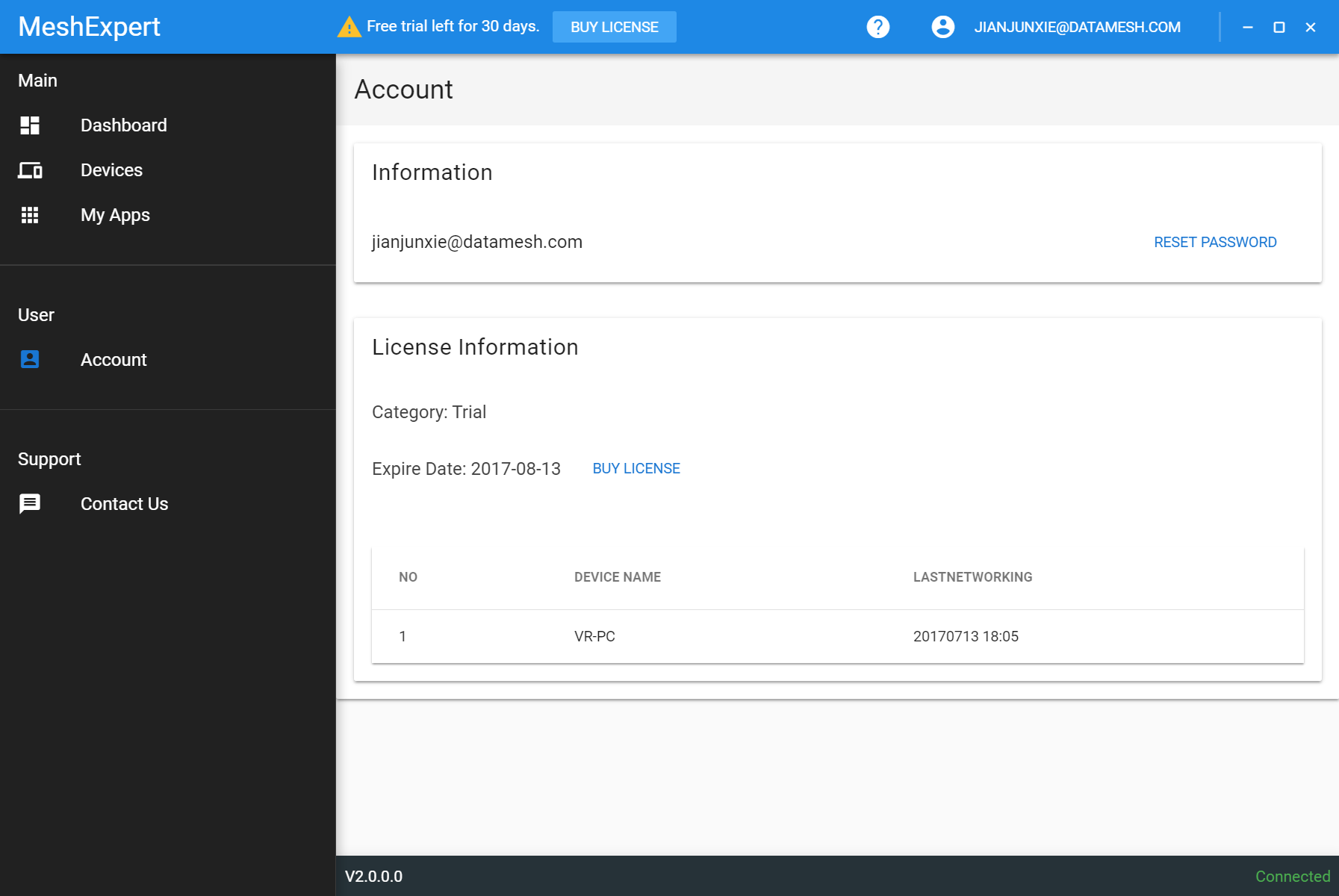
The account page will display your account information and your subscription/license details.
Yes, you can try MeshExpert for free for 30 days. You can create an account and start free trail at https://license.datamesh.com/.
After your trail, if you'd like to continue using it you can subscribe or buy it.
You can either subscribe online or get an offline license.
For online subscription, please visit https://license.datamesh.com/. You can choose the suitable plan for you.
Or you can contact us by email service@datamesh.com to get an offline license in one of the situations listed below:
- You can not have your devices connect to the Internet to maintain online subscription status.
- You need to purchase the enterprise edition.
- The online subscription plans do not cater your needs and you need customized licensing options.
For both online subscription, an confirmation email would have been sent to your payment email address. You can check your mailbox. For offline purchase or any problems, you can contact us at service@datamesh.com.
Please go to https://license.datamesh.com/.
- Note that you do not need to confirm your email before you can make a purchase and activate MeshExpert.
- Please make sure you entered the correct email address.
- You may check your spam mailbox.
- You may resend a conformation email.
- Make sure your Internet connection is ok and your account is ok (if you can login via https://license.datamesh.com/).
- You need to start a free trail or online subscription before you can login the MeshExpert Center.
- Check if you have used up all your quota of your subscription plan.
- Once you have logined on a Workstation, you can not use another account to login the very same Workstation unless you sign out the previous one.
- If the problem remains, please contact for support at service@datamesh.com.
- Port Already Taken. MeshExpert uses port 8848. You may need to stop other services that take port 8848 before you can successfully start MeshExpert services.
- Make sure you run MeshExpert Center as Administrotor.
- You many try to re-install MeshExpert.