
trame and VTK based web version of the tomviz tomography application
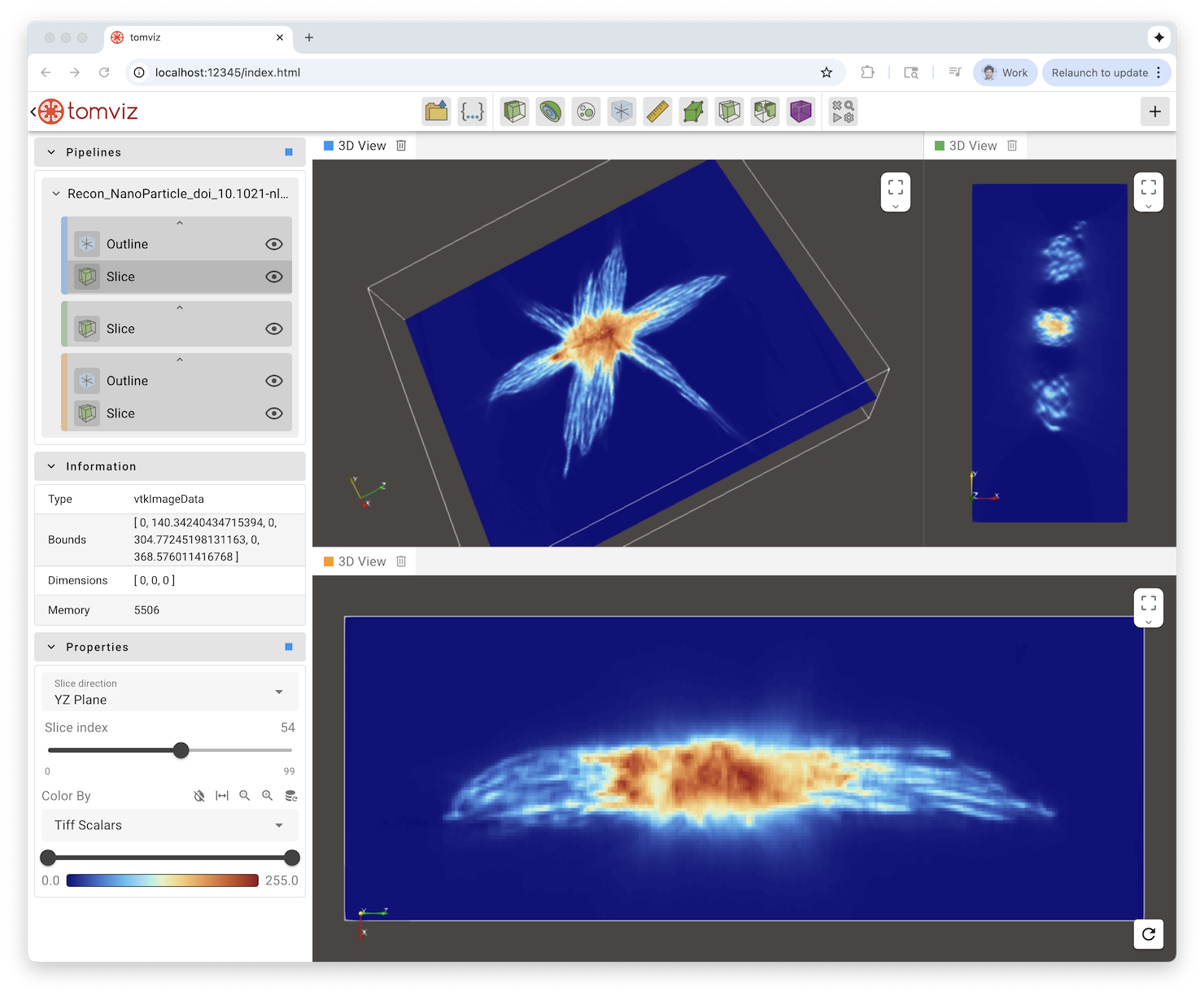
This library is OpenSource and follow the Apache Software License
Install the application/library
uv venv -p 3.12
source .venv/bin/activate
uv pip install .
Run the application
python -m tomviz_trame --serverWe recommend using uv for setting up and managing a virtual environment for your development.
# Create venv and install all dependencies
uv sync --all-extras --dev

# Activate environment
source .venv/bin/activate

# Install commit analysis
pre-commit install
pre-commit install --hook-type commit-msg
For running tests and checks, you can run nox.
# run all
nox

# lint
nox -s lint

# tests
nox -s testsThe pipeline widget is a Vue 3 + TypeScript component that lives in
vue-components/ and is served by the tomviz_trame.widgets package as a built
bundle. The bundle is not under revision control, so the app cannot show the
pipeline until it has been built.
To run the app, build the bundle once after cloning (node 22+ and npm on the
PATH); nox -s build_js does the same:
cd vue-components
npm install
npm run build          # writes src/tomviz_trame/widgets/module/serve/
To work on the components, replace npm run build with a watcher that rebuilds
the bundle on every save (reload the browser to pick it up), and use the checks
that nox -s test_js runs:
npm run dev            # rebuild on change, instead of npm run build
npm test               # vitest
npm run type-check     # vue-tsc
npm run lint # eslint- Training: Learn how to confidently use trame from the expert developers at Kitware.
- Support: Our experts can assist your team as you build your web application and establish in-house expertise.
- Custom Development: Leverage Kitware’s 25+ years of experience to quickly build your web application.