This takes the audio from meetings and automatically builds notes from it.
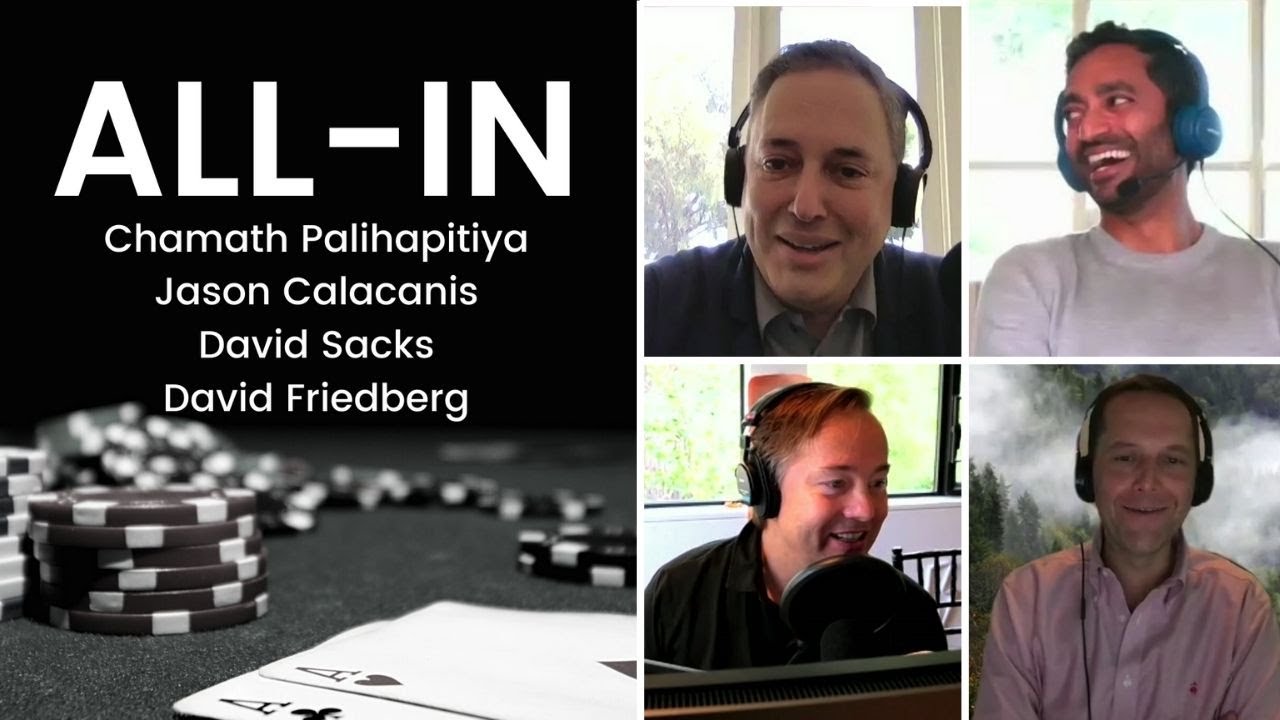
For this demo we are using the popular "All-In" podcast, but you can record your own clip using record.py file.
The pipeline looks as follows:

Now initially tried to implement the Custom BERT based algorithms and we have provided an example of the same with AutoCasing here. But we soon realised that GPT gives far better results, moreover GPT can be put on a server and be used as a centralised source.
Using GPTs is unlike anything out there, it a good idea to understand what is prompt-designing. Since all GPTs behave the same way, you can expect the same results using gpt2-xl or gpt-neo-2.7B that you see with OpenAI GPT-3. GPTs obey scaling laws, so any task that a smaller GPT (say 125Mn params) can do will be solvable by larger (say 1.5Bn params) model but not the other way around.
At the top of MeetReduce notebook you'll see the packages need to be installed. For running on NBX platform, please install following packages in this order:
sudo apt update -y                  # always update OS
sudo apt install libsndfile1 -y     # system package for soundfile
sudo apt install ffmpeg -y          # ffmpeg is <3
pip install youtube_dl pytube      # youtube things
pip install transformers datasets  # models
pip install soundfile pydub # audio filescaptions/: folder with SRT file for above mentioned podcast, can be downloaded from the notebook, given here for reference.record.py: file to record your own audio. Also pass number of seconds if you want asrecord.py 23, will record for 23 seconds.collate_methods.py: file with different collation methods for trainingAutoCase-BERTAutoCase-BERT: sample notebook for how to train a BERT for AutoCasingusingGPT: How to get summaries using GPT models