Get a token
This short guide describes how to get a token and channel ID for Discord in a few steps.
Go to their Developer site and create an application.
If you aren't logged in, it will send you to the login page.
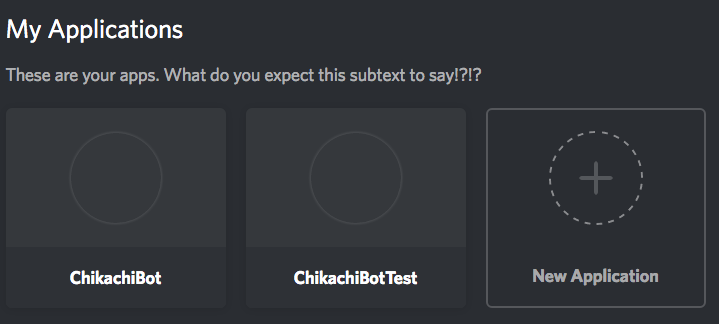
Simply press on the "New Application" button.
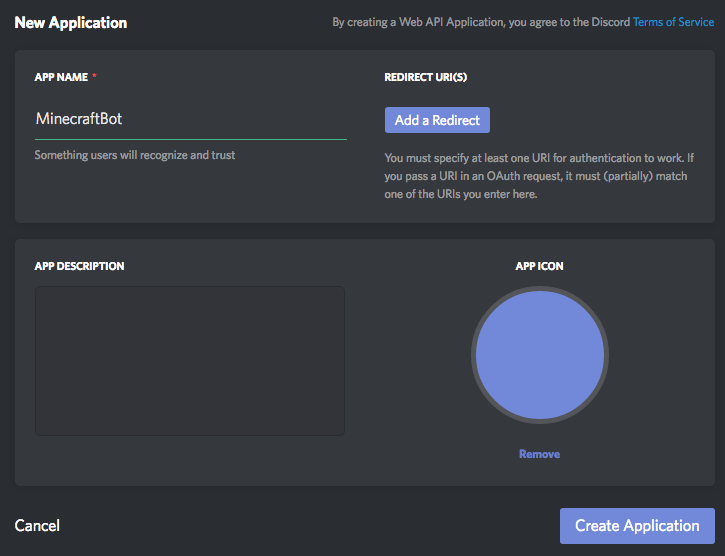
Give the application a name, this should be the name you want your bot on Discord to have.
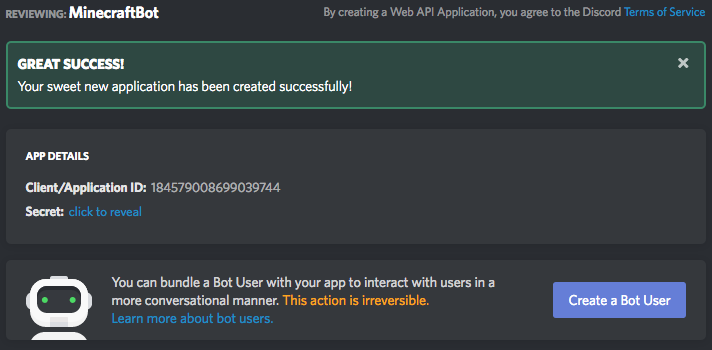
Create the actual Discord bot user by clicking on "Create a Bot User".
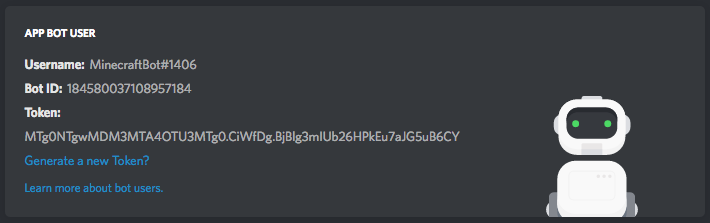
You can now click on the link beside Token under Bot User to see your bot token.
On the application page, you can see a "Client/Application ID".
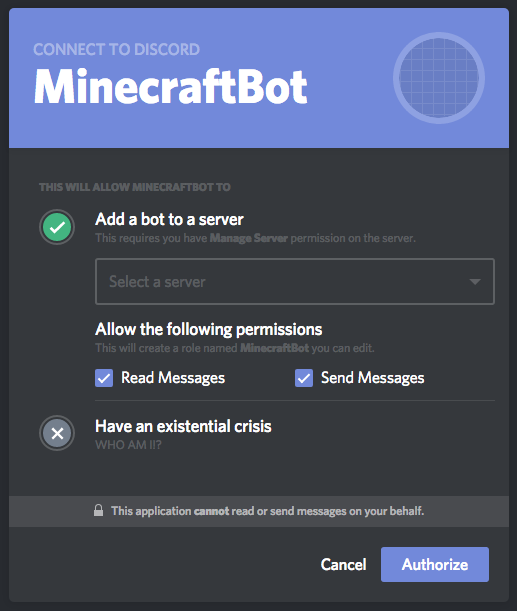
Replace CLIENT_ID in the following URL and go to the page.
https://discordapp.com/oauth2/authorize?client_id=CLIENT_ID&scope=bot&permissions=3072
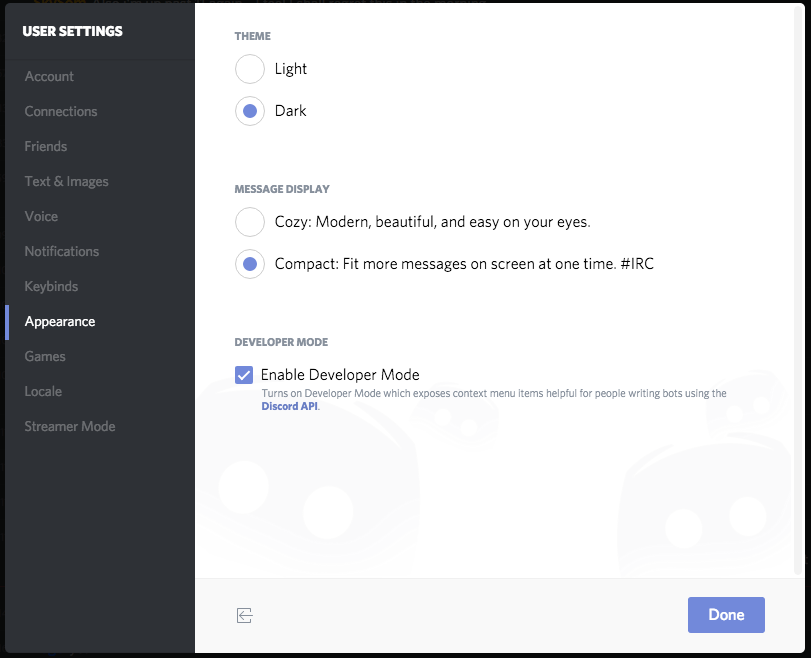
On Discord, open your User Settings -> Appearance -> Enable Developer Mode.
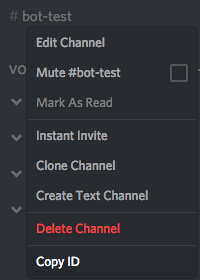
Rightclick on the Discord text channel you want the bot to interact with and press "Copy ID".
If you don't have the config file, start the server with the mod installed, and it will generate a default config file.
Insert the bot token and channel ID in to the config.
    "token": "MTg0NTgwMDM3MTA4OTU3MTg0.CiWfDg.BjBlg3mIUb26HPkEu7aJG5uB6CY",
    "channel":  "176713290007838720",