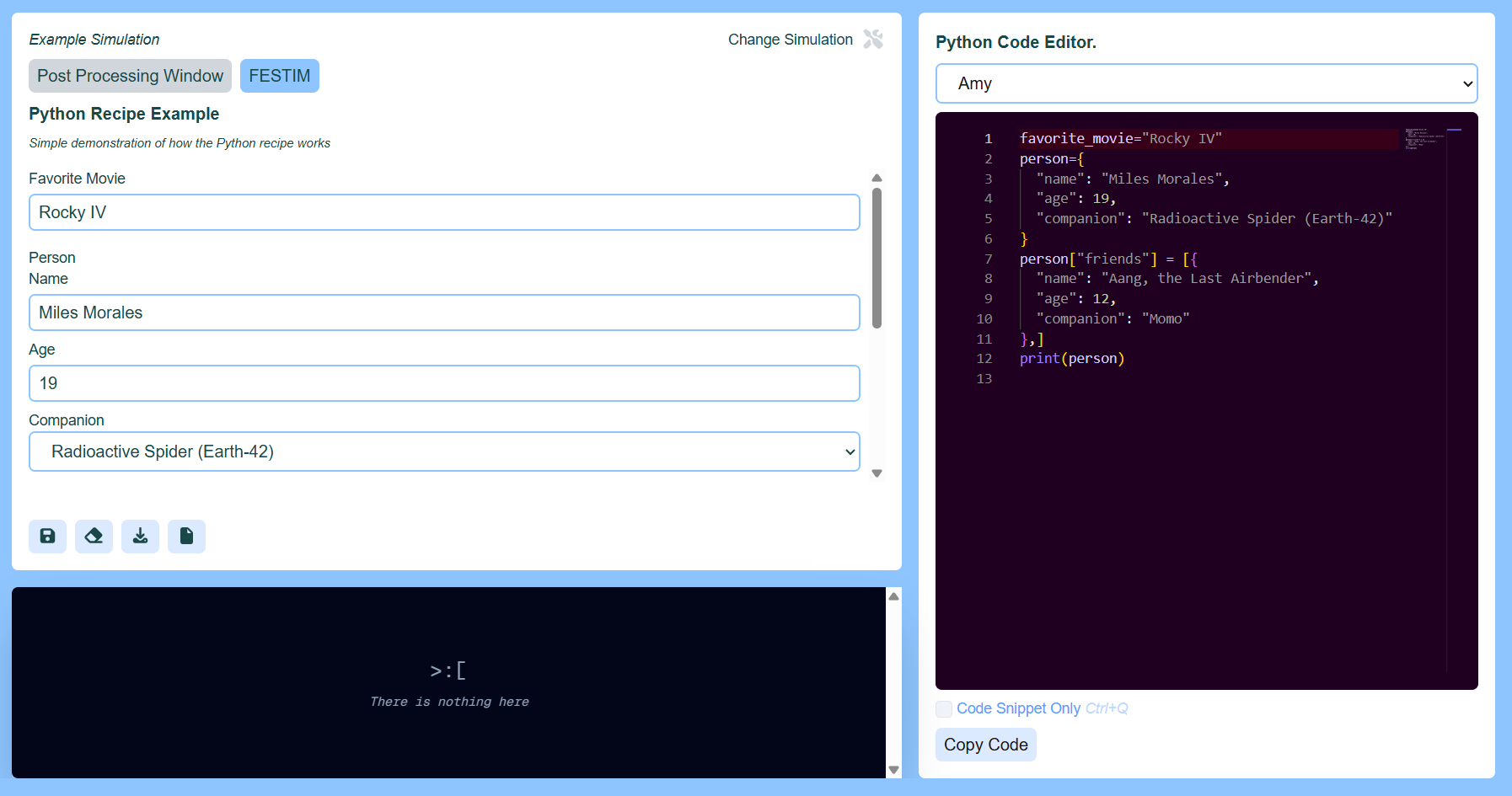
This application allows you to define the parameters for a FESTIM Simulation as specified by the selected simulation, access links to tutorials that illustrate how to use FESTIM for performing finite-element-modeling processes and solving hydrogen diffusion / heat transfer equations, and allows for the visualization of .bp files created by FESTIM simulations. Below are links to videos explaining how this applicaition works.
Here is the link to FESTIM View 🧪⚙️💻
There is currently no domain associated with it and I am hosting the project on a Google Engine VM hence the HTTP address and the IP.
I made this project while working with Remi Delaporte-Mathurin and James Dark at the MIT Plasma Science and Fusion Center 🦫⚛️⚡
Related branches are prod which I made when working on this newer updates
- Cookie Cutter Settings, templates for getting your visualization code up and running quickly
- Import CAD Settings, follows the FESTIM simulation which visualizes a Hydrogen Transport Problem on a .CAD of a screw
- Meshing a Multi Volume Entity, follows the FESTIM simulation which works with a multi-volume tube when solving the Hydrogen Transport Problem
- Online Domain, by August 30th, the time I made this recap, I first got the Google Engine VM working for online access
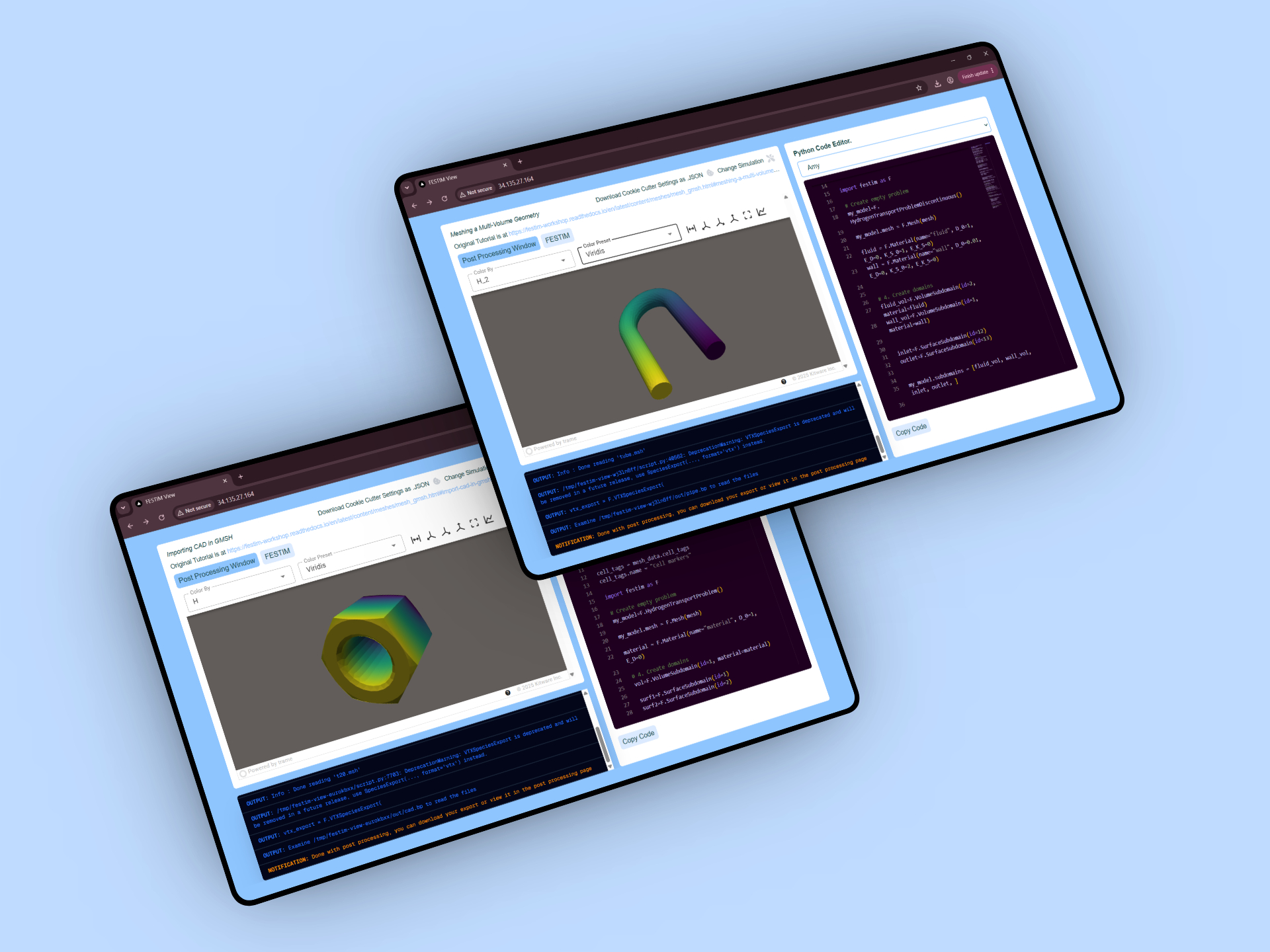
- Settings: Save, Upload, Reset, and Save As File, added functionality which made settings configuration much easier
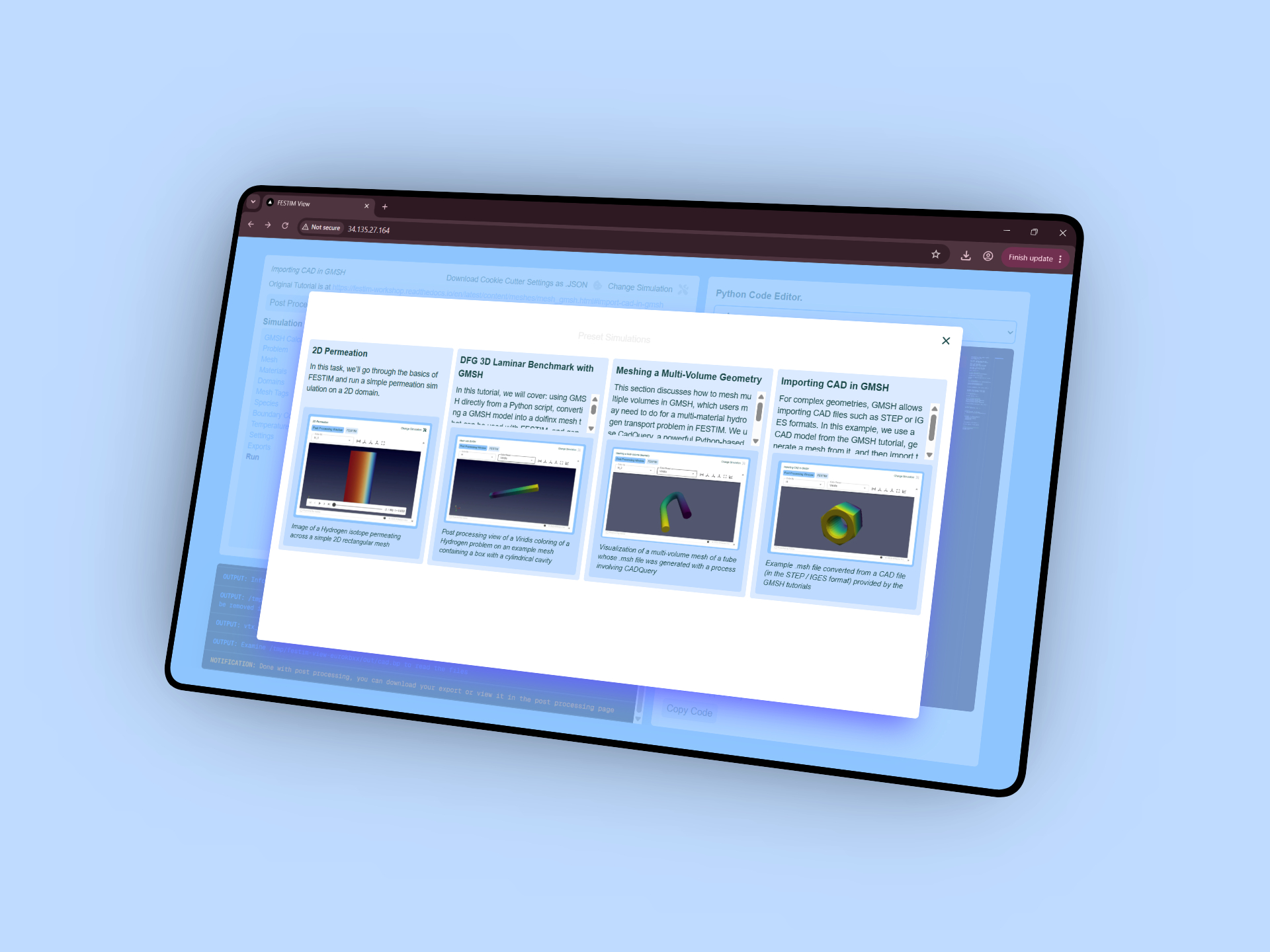
- Simulation Menu Added, select from a range of different simulations
- DFG 3D Laminar Benchmark, added a simulation where you can solve the Hydrogen problem across a vertical block with a cylindrical sink
- Complete .BP File Visualization, visualize any .bp files generated by the post-processing code associated with your FESTIM script (in particular, after by using a Docker container and the Paraview bundle, the ADIOS2VTXReader is now in use)
- Plot Across Line, you can also view the graph output given by graphing across the interior diagonal / side diagonal of the entity of interest
- Step Dropdown, select steps via dropdown in a simulation
- Download .ZIP File, download a .zip file of the contents which includes the relevant .bp file for Paraview visualization and all other output
- Basic Post-processing Window
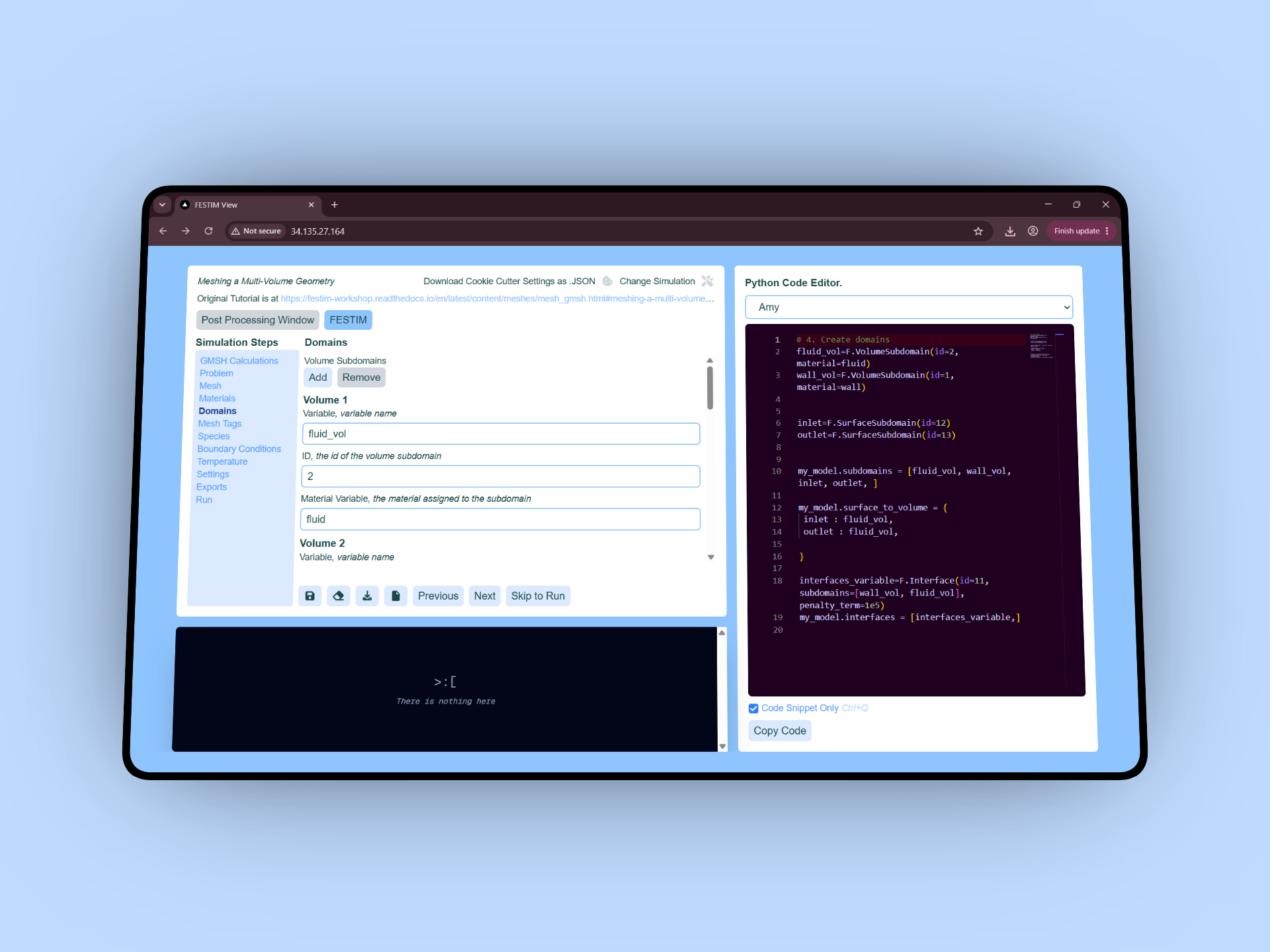
- Basic Binding System, this video demonstrates how we can generate custom scripts that correspond to our inputs and it shows the foundation of FESTIM View's functionality
- Data Structures for Simulation Configuration, I also dive into the mechanics that make defining a FESTIM simulation fairly simple and the ways which those values are assembled into the relevant output, that code snippet