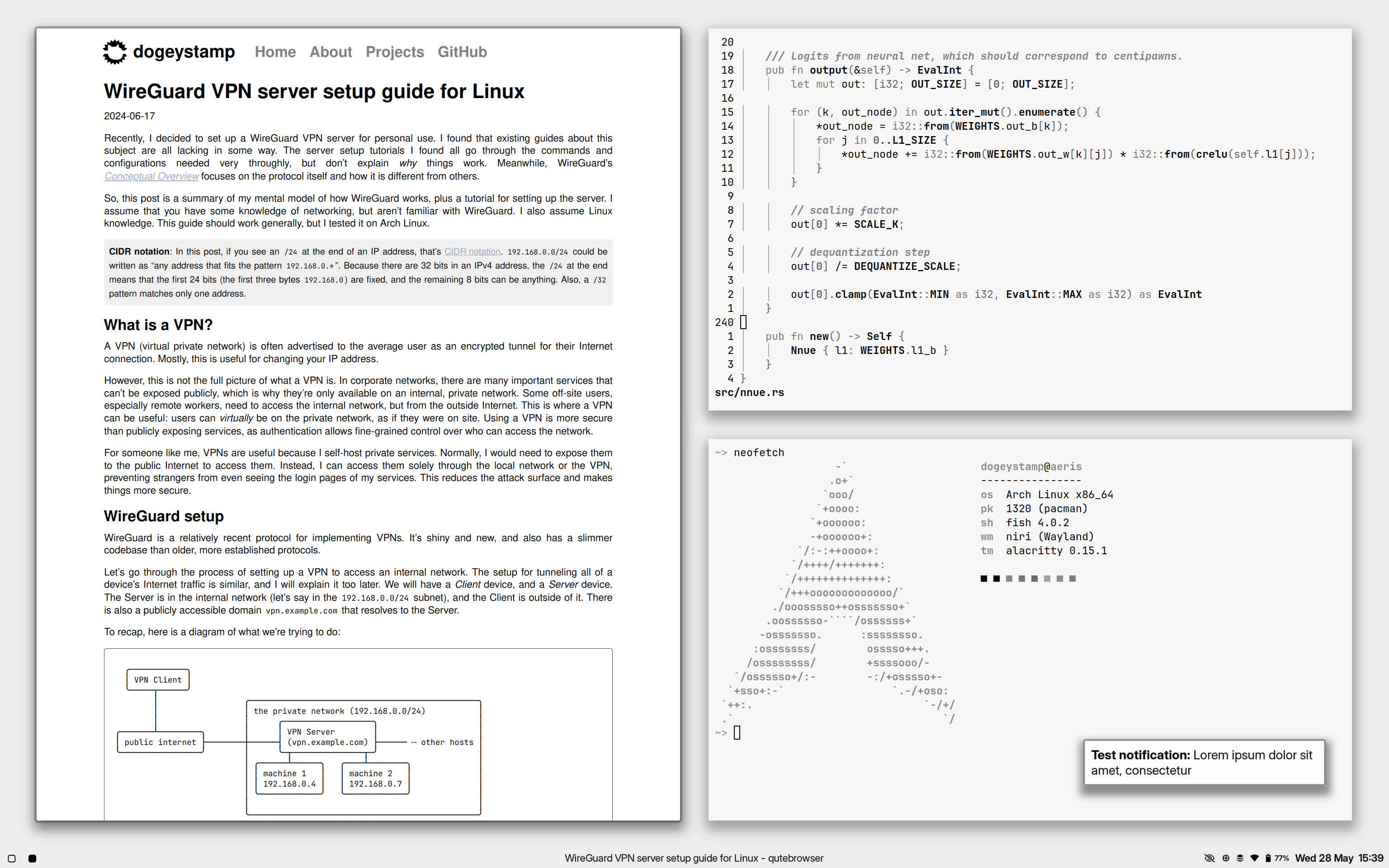
My dotfiles.
Install chezmoi:
# pacman -S chezmoi
Clone then apply these dotfiles:
chezmoi init dogeystamp/dotfiles --apply
After, install some packages. A list is provided in the programs file.
This list encompasses all packages needed for a full system, including utilities and games.
Feel free to pick and choose which packages you want.
A script is also provided with programs-python to install Python packages via pipx.
Package availability and their names differ based on the distribution: these are for Arch Linux and its derivatives.
Some features are enabled or disabled based on a "system profile": chezmoi will prompt you for a choice.
-
The
inputsection of.config/niri/config.kdlprovides changes I like, such as swapping escape and caps lock, which you should remove if you don't need. -
My qutebrowser configuration emphasizes privacy over usability, and you might need to edit it to suit your needs if you want to use it.
-
Neovim plugins are installed via git submodule rather than through conventional means. This has less complexity than a plugin manager since I already manage all my dotfiles under Git. Plugins are declared in
.gitmodules.
Desktop Preview