
Addon for saving and loading presets in the Piano-LED-Visualizer. It also allows configuring static rtpMIDI connections, managing Bluetooth devices, setting the password for the "plv" user and displaying WiFi and system information. The addon is available on port 8080 (e.g. http://[HOST-IP]:8080).
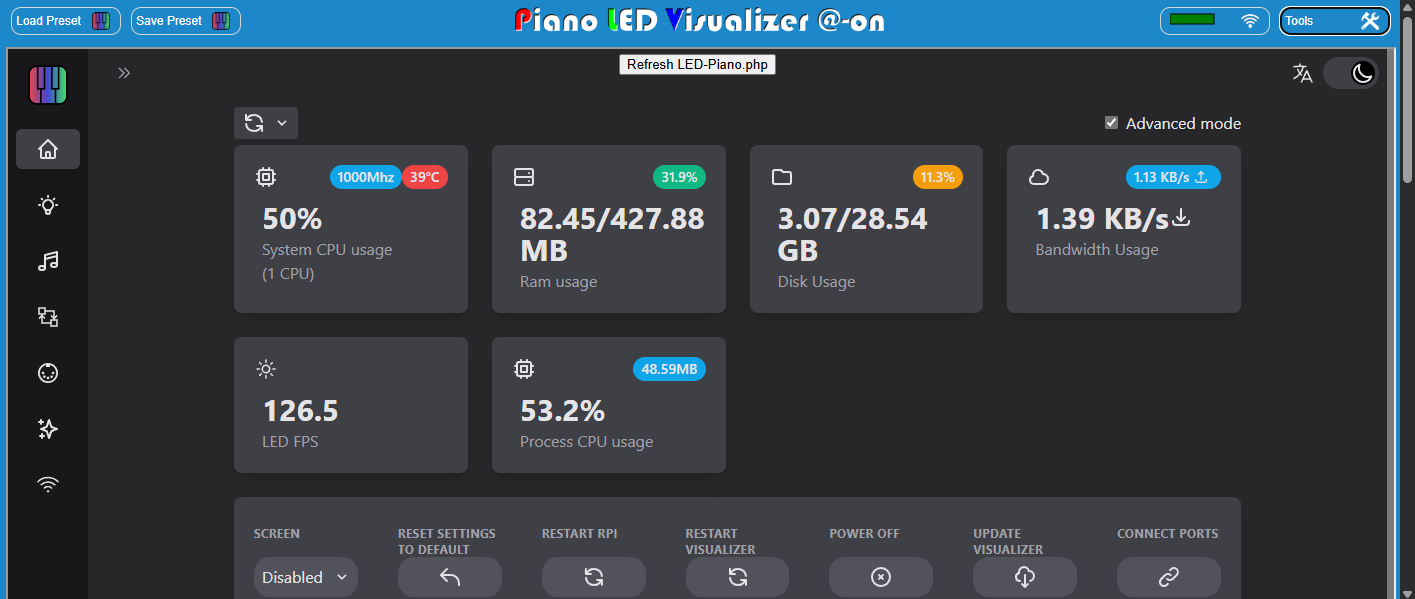 Screenshot with the new buttons and dropdownmenus in top of the screen to save and load the PLV-settings and sequences.
Configure static rtpMIDI connections, bluetooth devices and user-password in the @-on...
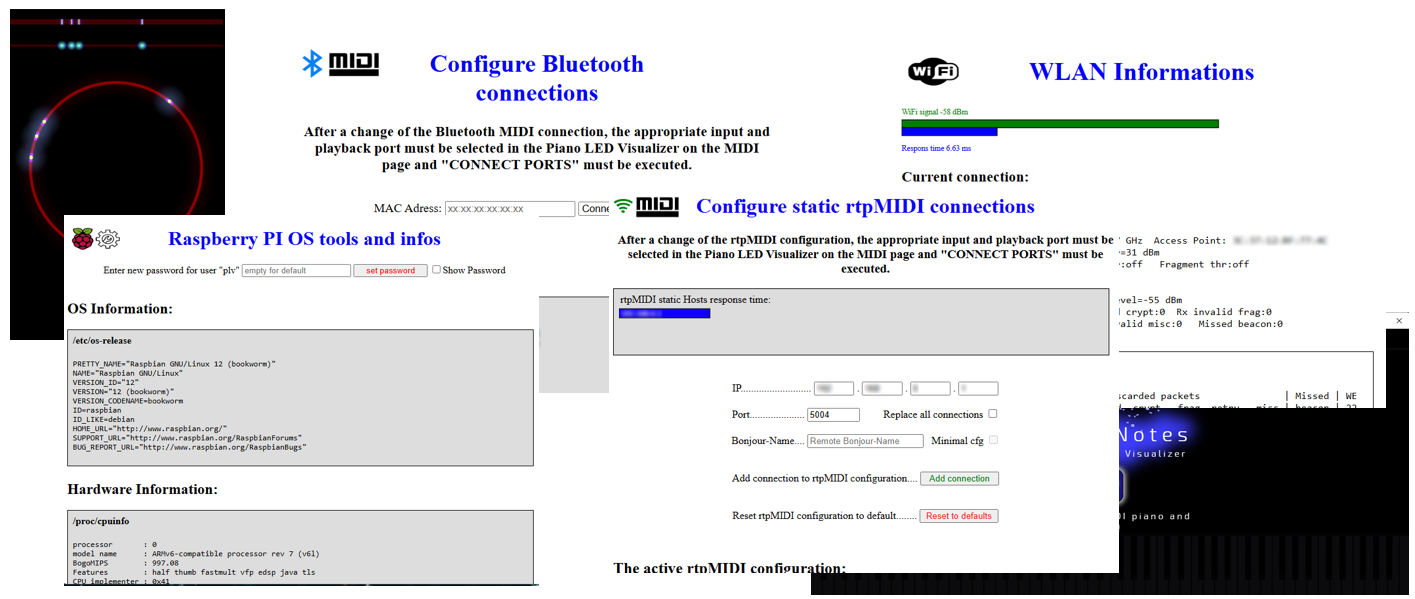
Up and running installation of Piano-LED-Visualizer.
This addon is without warranty! I strongly recommend making a backup of your existing installation beforehand. Generally, I recommend installing on a new SD card with the latest release of "Raspbian 12 (bookworm)" as minimal OS, as well as the latest version of Piano-LED-Visualizer and rtpMIDI Daemon.
sudo apt-get update
sudo apt-get upgradeNavigate to the webinterface folder of your PLV installation
cd /home/Piano-LED-Visualizer/webinterface- GIT clone repository
sudo git clone https://github.com/geg1965/Piano-LED-Visualizer-Addon phpsudo apt-get install php8.2-common php8.2-clisudo nano /lib/systemd/system/plvconfig.servicePaste and save:
[Unit]
Description=Piano-LED Visualizer Addon
After=network-online.target
Wants=network-online.target

[Install]
WantedBy=multi-user.target

[Service]
ExecStart=sudo php -S 0.0.0.0:8080 -t /home/Piano-LED-Visualizer/webinterface/php
Restart=always
Type=simple
User=plv
Group=plv
*Press CTRL + O to save file, confirm with enter and CTRL + X to exit editor and don't forget to adjust the parameters "ExecStart", "User" and "Group"!
sudo chmod a+rwxX -R /home/Piano-LED-Visualizer/webinterface/php/sudo systemctl daemon-reload
sudo systemctl enable plvconfig.service
sudo systemctl start plvconfig.serviceThanks to onlaj for his work on the Piano-LED-Visualizer! I really enjoyed creating this interactive lighting for my master keyboard. The ledemu2.html used here is part of his code and has only been minimally adapted (autorefresh added).