

Adds vendor prefixes (-webkit-, -moz-, -ms-, -o-) to CSS, SCSS and LESS properties, either as you type or on demand for code that already exists.
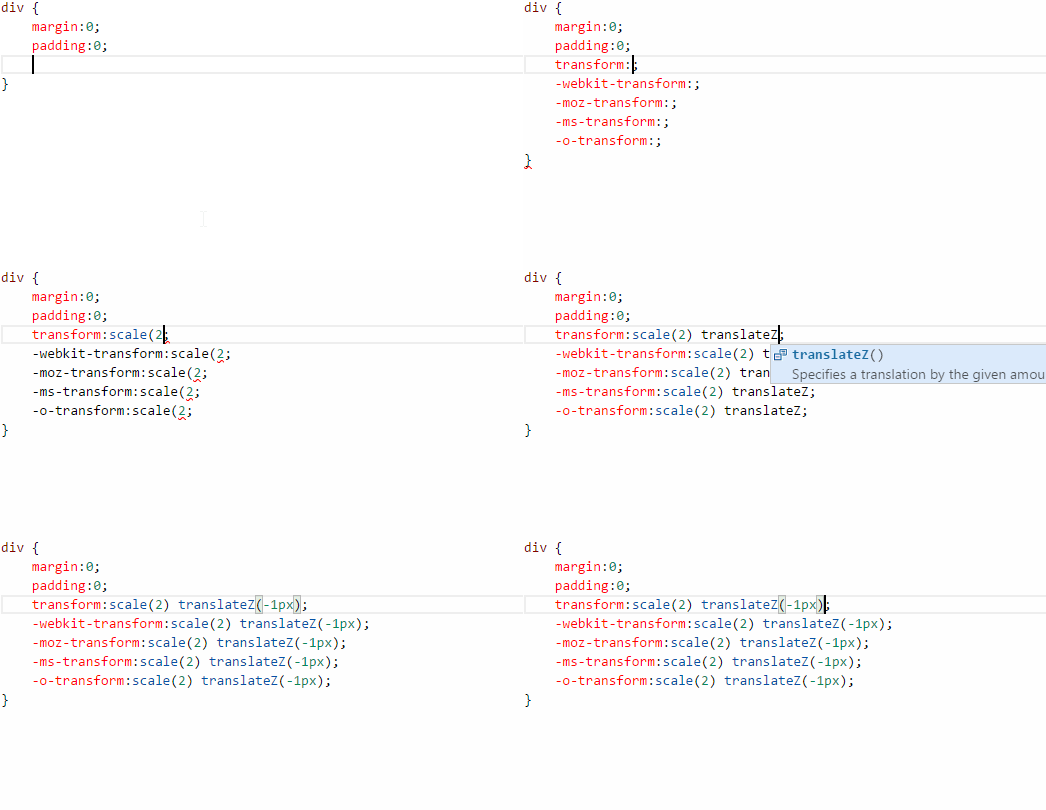
Finish a declaration — type the ;, press Enter, or close the block — and the prefixed copies appear above it, so the standard W3C property always comes last:
#my-element {
	-webkit-user-select: none;
	user-select: none;
}
- Works for indented and single-line blocks, and for nested SCSS/LESS blocks (
&:hover { ... }is left alone when you type above it). - Values are copied exactly, with one space after the colon and none before the semicolon.
- Strings, comments and
url(...)are opaque:content: ':'or adata:URI before your property will not be split. - If a prefixed line already exists with a stale value, it is updated in place instead of duplicated.
- Each insertion is one edit, so a single
Ctrl+Ztakes the prefixes back — and they stay gone until you change the value.
Open the command palette (Ctrl+Shift+P / Cmd+Shift+P) and type "CSS Auto Prefix":
- CSS Auto Prefix: Prefix File — prefixes every property in the current file.
- CSS Auto Prefix: Prefix Selection — prefixes the properties inside the selection(s); with no selection, the declaration under the cursor.
Both work even when css-auto-prefix.enabled is off, and both are a single undo step.
| Setting | Default | What it does |
|---|---|---|
css-auto-prefix.enabled |
true |
Prefix automatically as you type. |
css-auto-prefix.prefixPosition |
"before" |
"before" puts the prefixed lines above the standard property (W3C last); "after" restores the 0.2.0 layout. |
css-auto-prefix.prefixes |
modern set | Which properties get which prefixes. The default only lists properties that still need a prefix somewhere: appearance, backdrop-filter, background-clip, box-decoration-break, clip-path, hyphens, initial-letter, line-clamp, mask / mask-*, print-color-adjust, text-size-adjust, user-select. |
css-auto-prefix.includeLegacy |
false |
Also prefix the long-unprefixed properties (transform, transition, border-radius, animation, filter, ...) from the 0.2.0 table. |
css-auto-prefix.legacyPrefixes |
0.2.0 table | The legacy table used when includeLegacy is on. |
Setting css-auto-prefix.prefixes yourself replaces the default table (as in 0.2.0), so add anything you want to keep.
VS Code 1.75 or newer. No other requirements.
The prefixing logic is a pure module, lib/prefixer.js, that takes document text plus an offset or range and returns offset edits; extension.js is only the VS Code adapter. npm test runs the node test suite (no VS Code needed).
- Properties are matched by name only, so
background-clipgets-webkit-background-clipfor every value, not justtext. - The indented Sass syntax (
.sass) is not supported, only.scss.
See CHANGELOG.md.