- One-click reconstruction: Full pipeline from feature extraction to texturing.
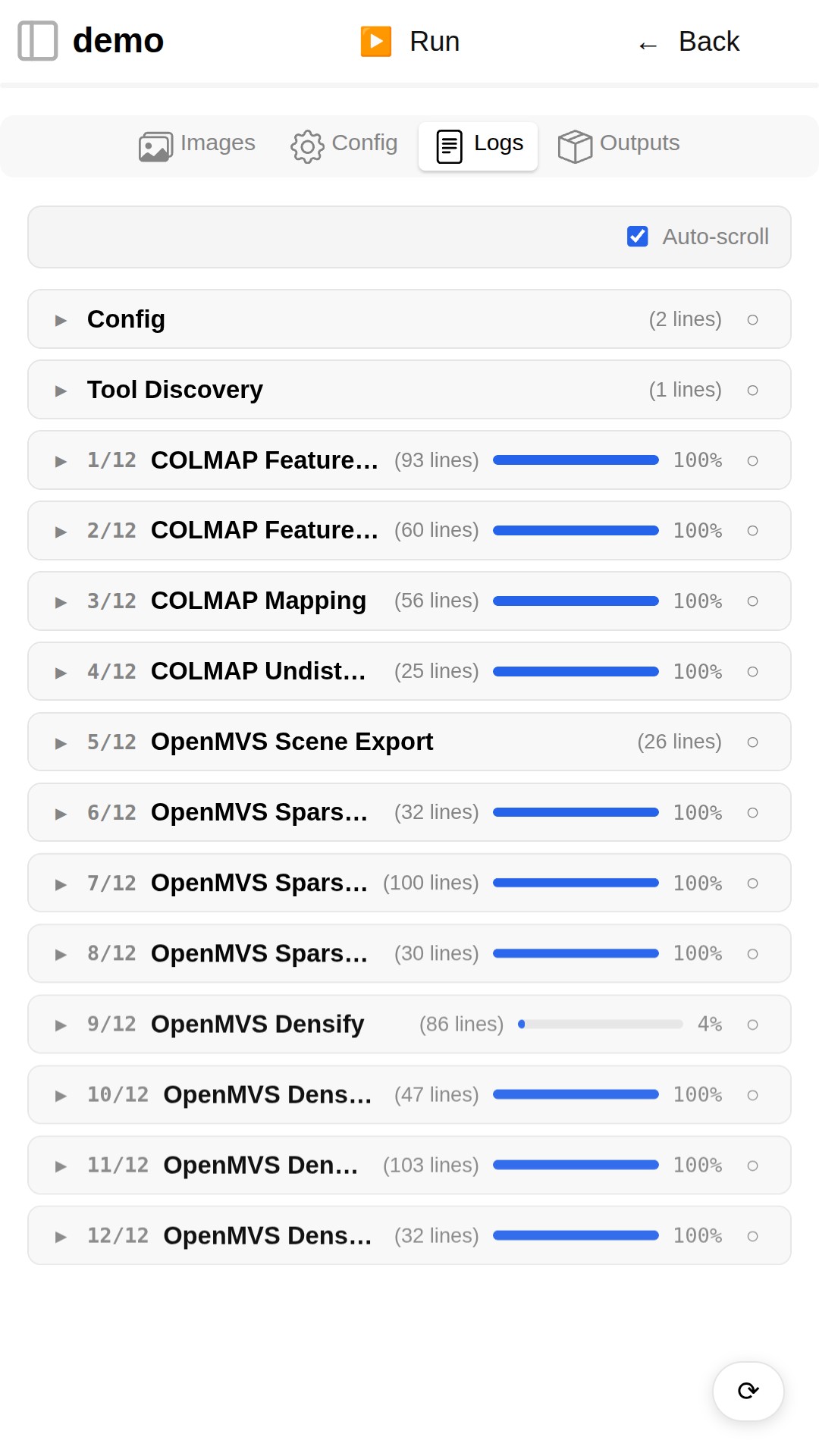
- Live progress tracking: Real-time logs and progress bars; survives navigation and cancellable.
- Smart caching: Only changed steps are recomputed on re-run.
- Dry-run & log recovery: Replay logs from a previous run without re-executing.
- Web demo: Try it instantly — no uploads needed. See screenshots or the live app.
- Desktop: Native bundles for Windows (
.exe), macOS (.dmg), and Linux (.AppImage). - Web: Full-stack web app, deployable behind any reverse proxy.
- Android: APK builds with automatic PRoot runtime setup.
- Same code, same UI: The exact same application runs everywhere.
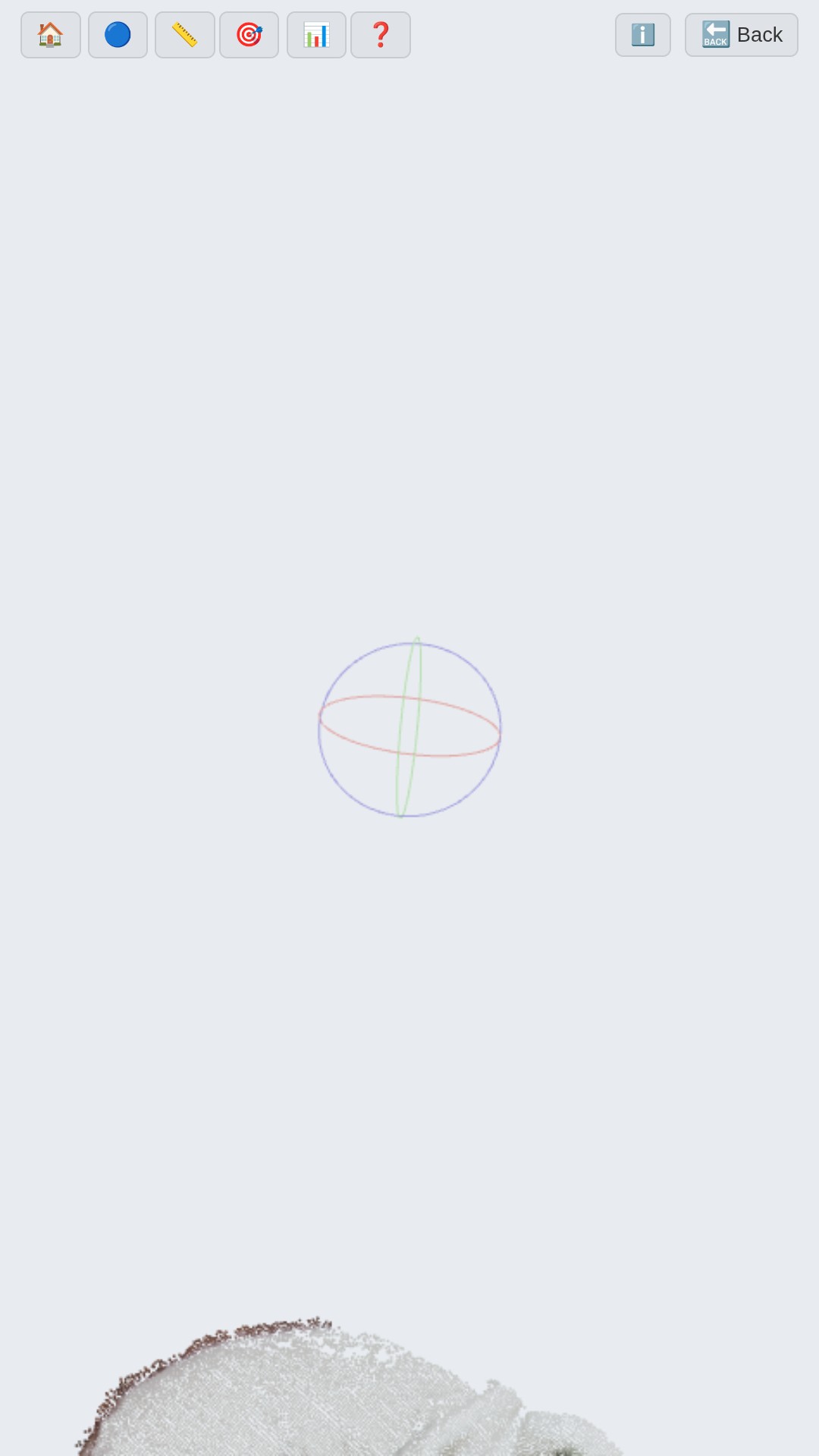
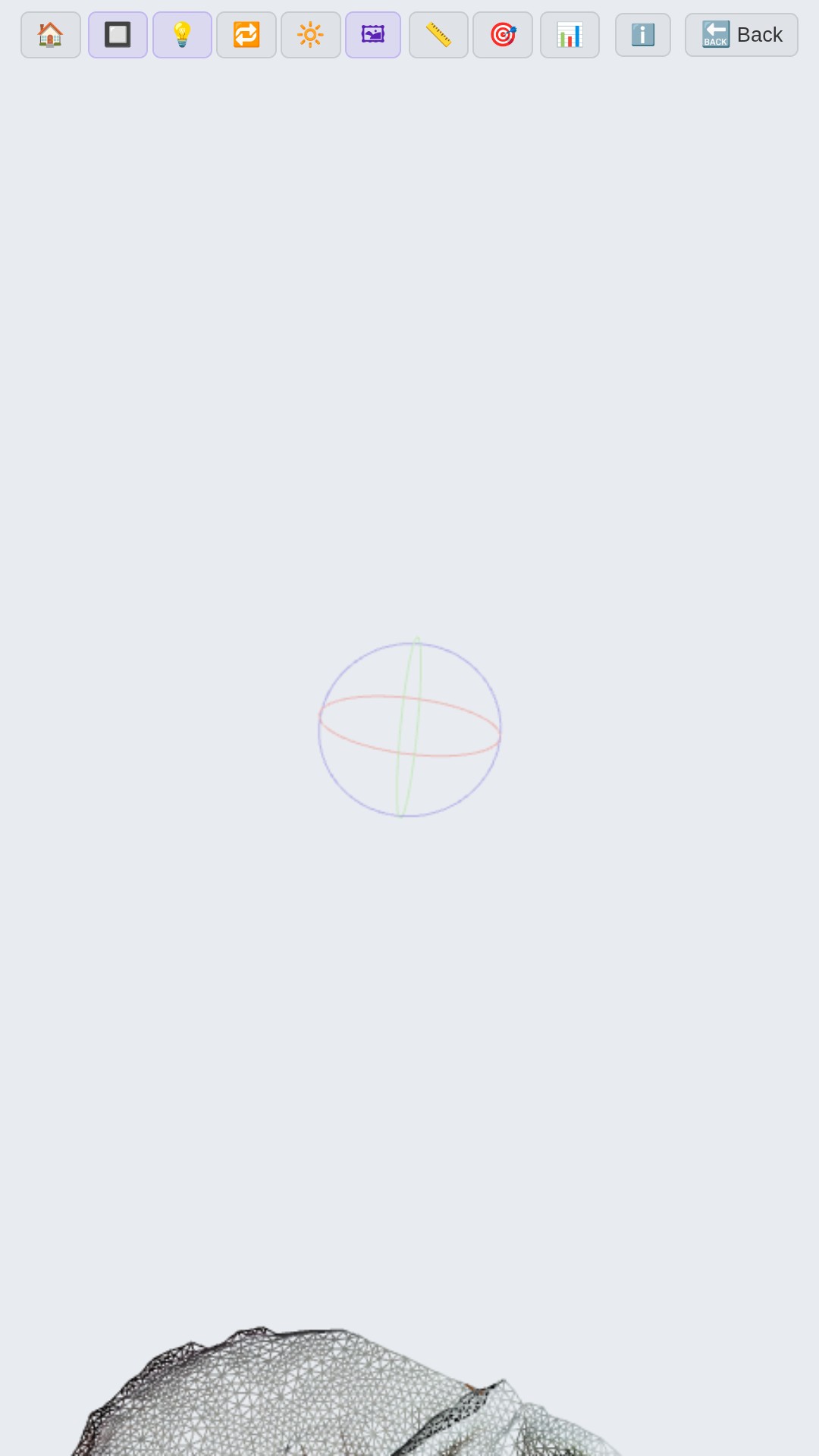
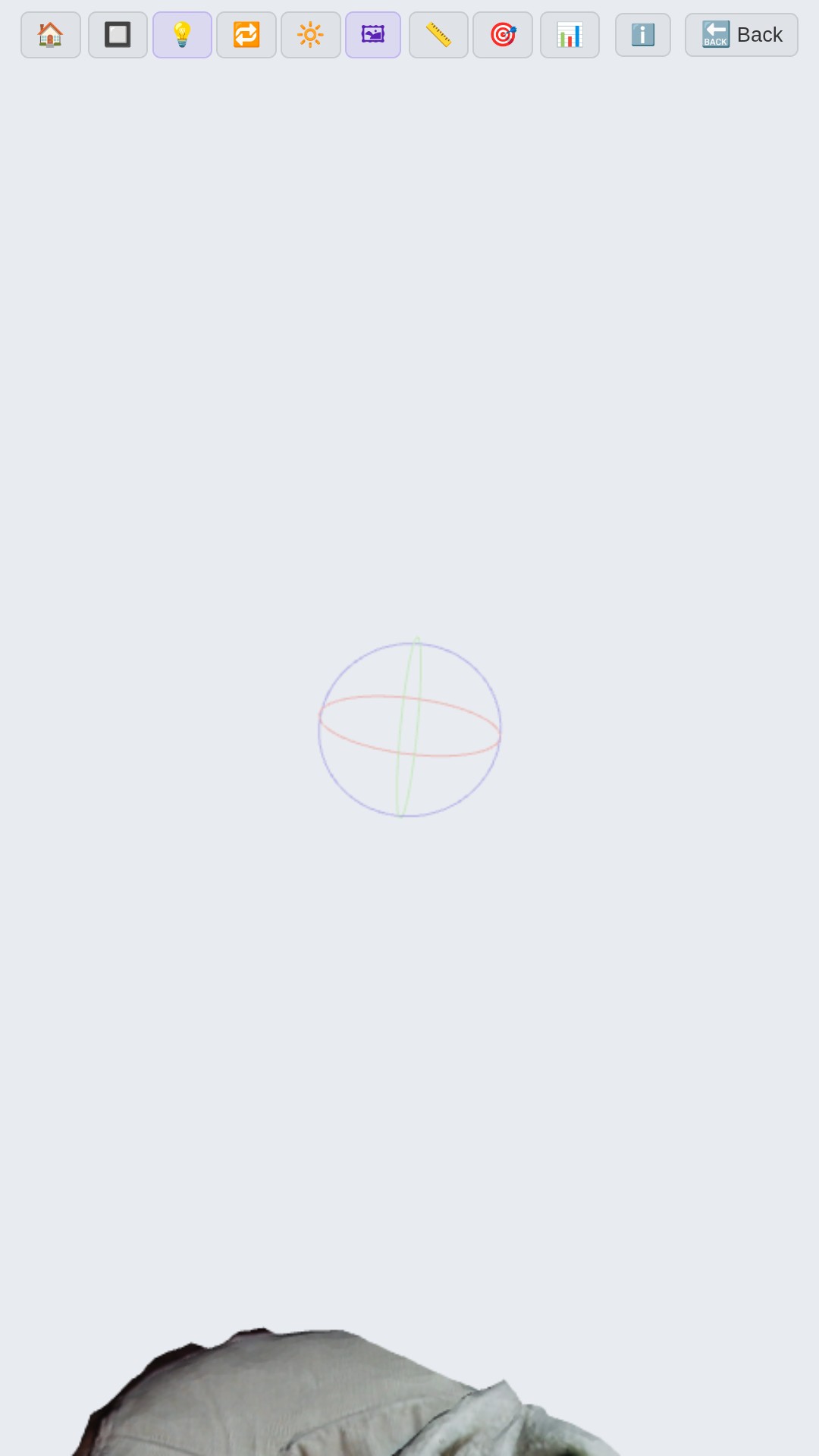
- In-browser model inspection: View point clouds, meshes, and textured models.
- Full interaction: Orbit, pan, zoom, measurements, wireframe, lighting.
- Auto-conversion: PLY models are automatically converted to glTF/GLB as needed.
- Deep linking: Link directly to a specific model with a viewport camera preset.
- Auto-generated parameter editor: Includes each tool's
--helpoutput. - Swappable pipelines: Select which reconstruction pipeline to run via config.
- Custom scripts: Inject arbitrary Bash code before or instead of the pipeline for advanced workflows.
- Low-resource presets: Android devices get conservative defaults tuned for stability on mobile hardware.
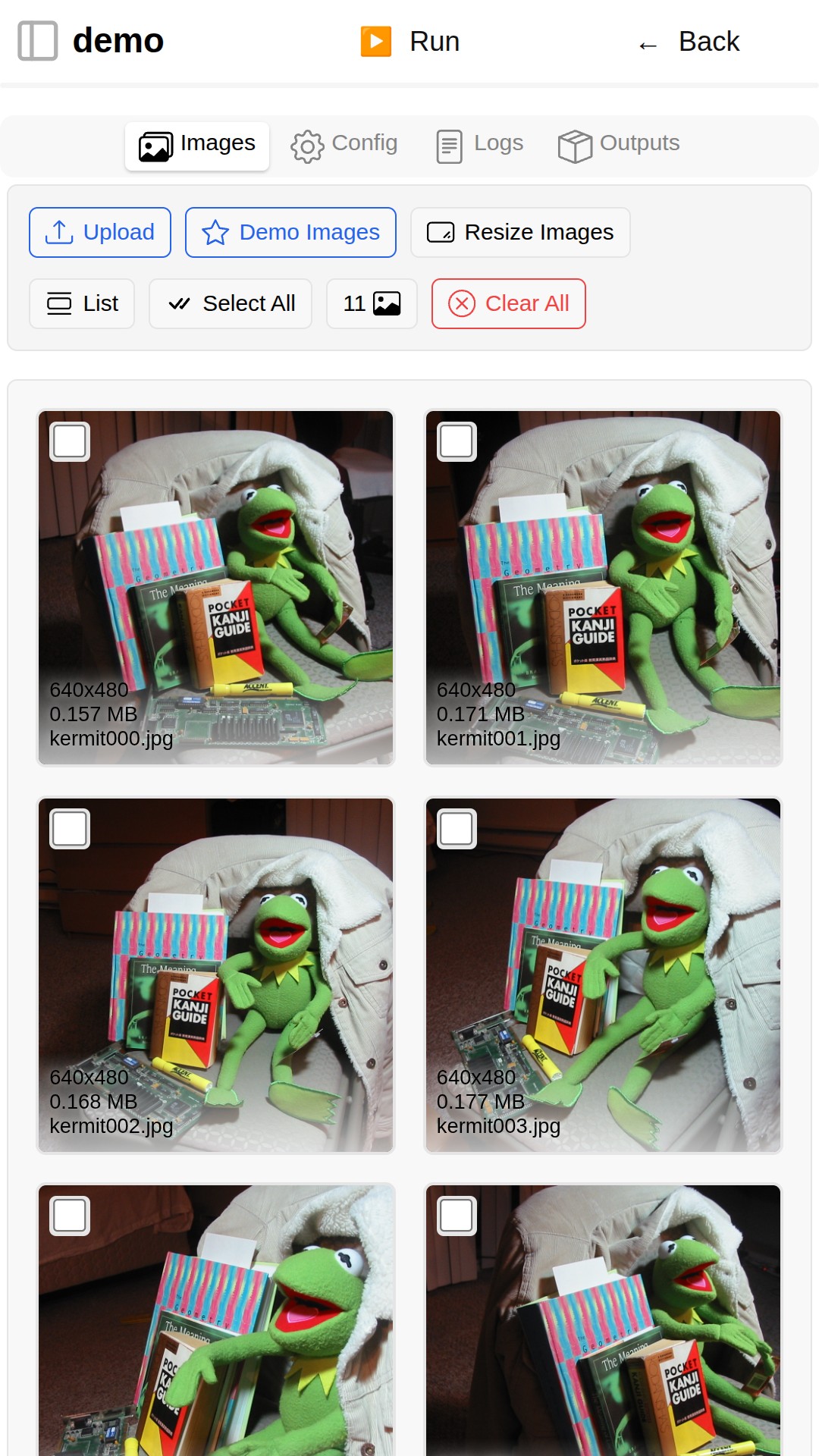
- Upload images & videos: Add photos & videos from any device via the browser's file picker.
- Unified gallery: Images & videos displayed together, sorted alphabetically.
- Batch resize: Resize all images to a max dimension in one click.
- Sample datasets: Download built-in demo datasets (ET, Kermit) to test the pipeline immediately.
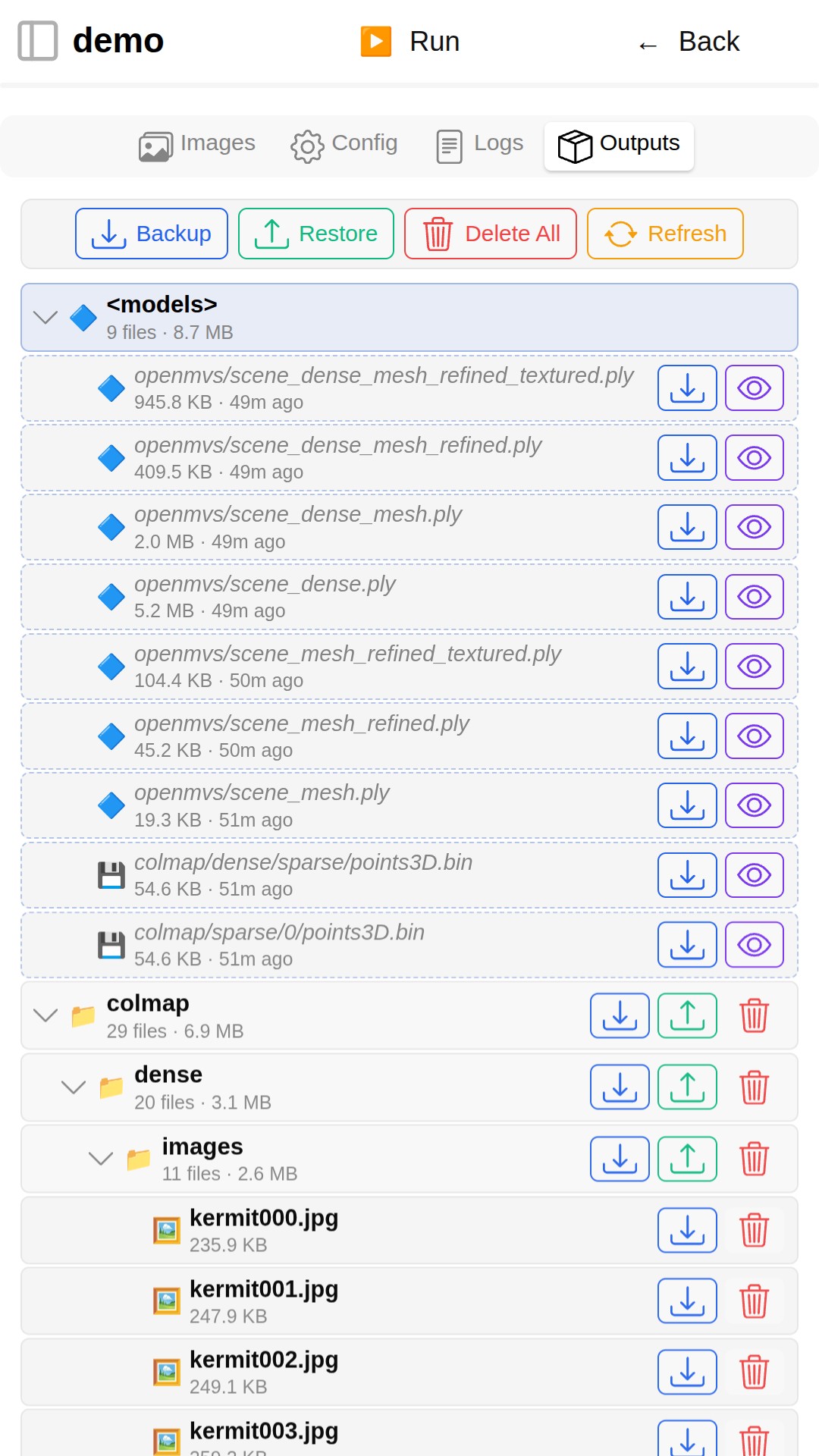
- Tree-based file explorer: Navigate all files generated by the pipeline, including intermediate outputs.
- 3D preview: Click any viewable file (
.ply,points3D.bin) to inspect it instantly in the 3D viewer. - ZIP backup & restore: Download any output folder as a ZIP archive, or upload one to restore.
- Selective cleanup: Delete individual files or clear all outputs with one click.
- Containerized: All dependencies are pacakged into a container with automated updates.
- Docker runtime: Best performance, requires the Docker daemon (Docker-in-Docker supported).
- PRoot runtime: No privileges needed; auto-downloaded and managed by the app.
- CPU support: Runs the full pipeline on any system.
- CUDA support: Mount host GPU drivers for hardware-accelerated reconstruction.
- Background task manager: A persistent side panel shows all tasks.
- Settings UI: Configure projects folder, runtime paths, default container image, etc.
- Dark/light theme: Automatic theme detection with manual override.
- Separable back-end: The frontend can connect to a remote server by configuring the backend URL.
- 100% offline: Your photos and models never leave your device.
- MIT License: Free to use, modify, and distribute. Contributions welcome.
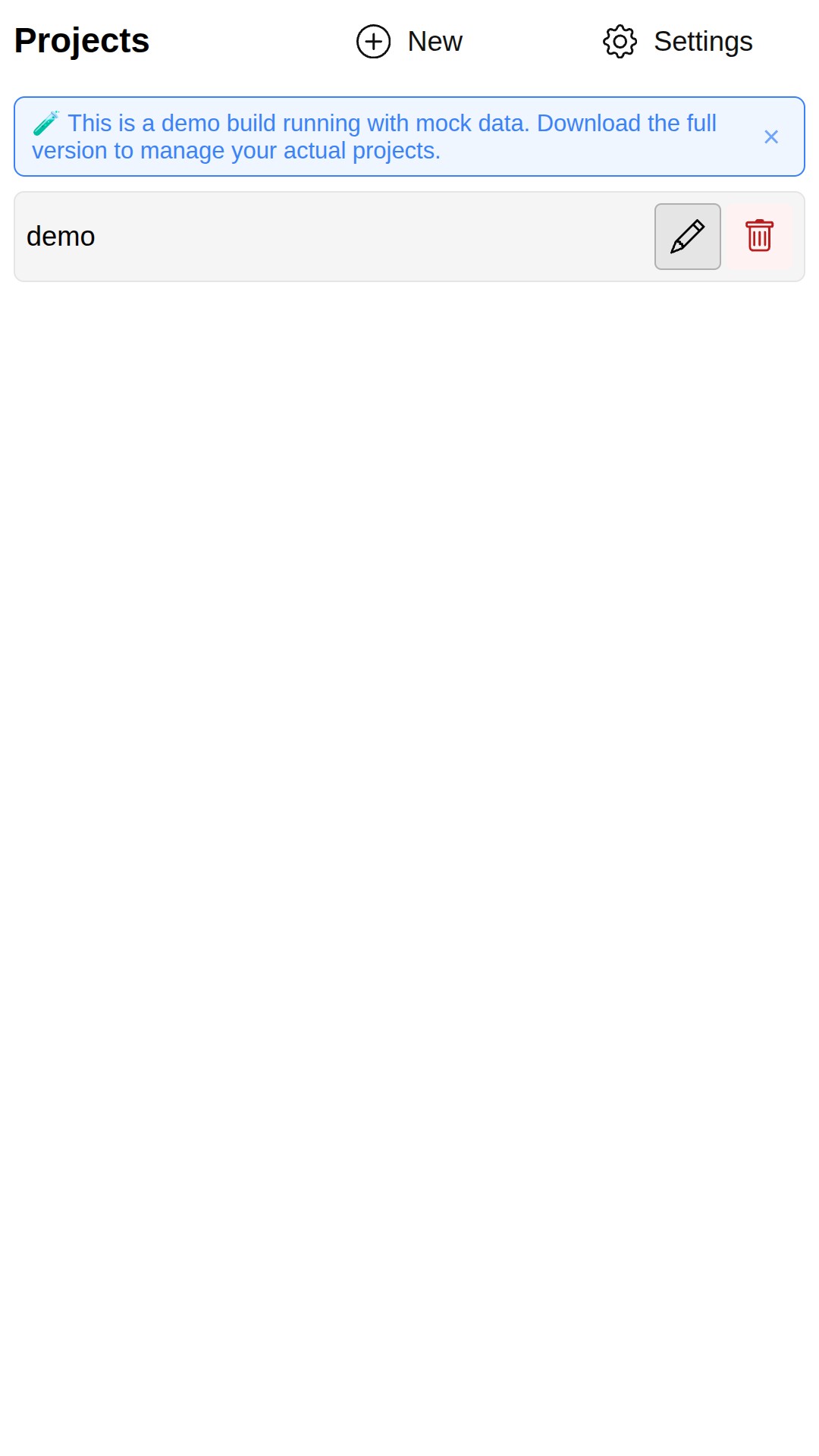
Project management:
3D viewer:
Pipeline configuration and settings:
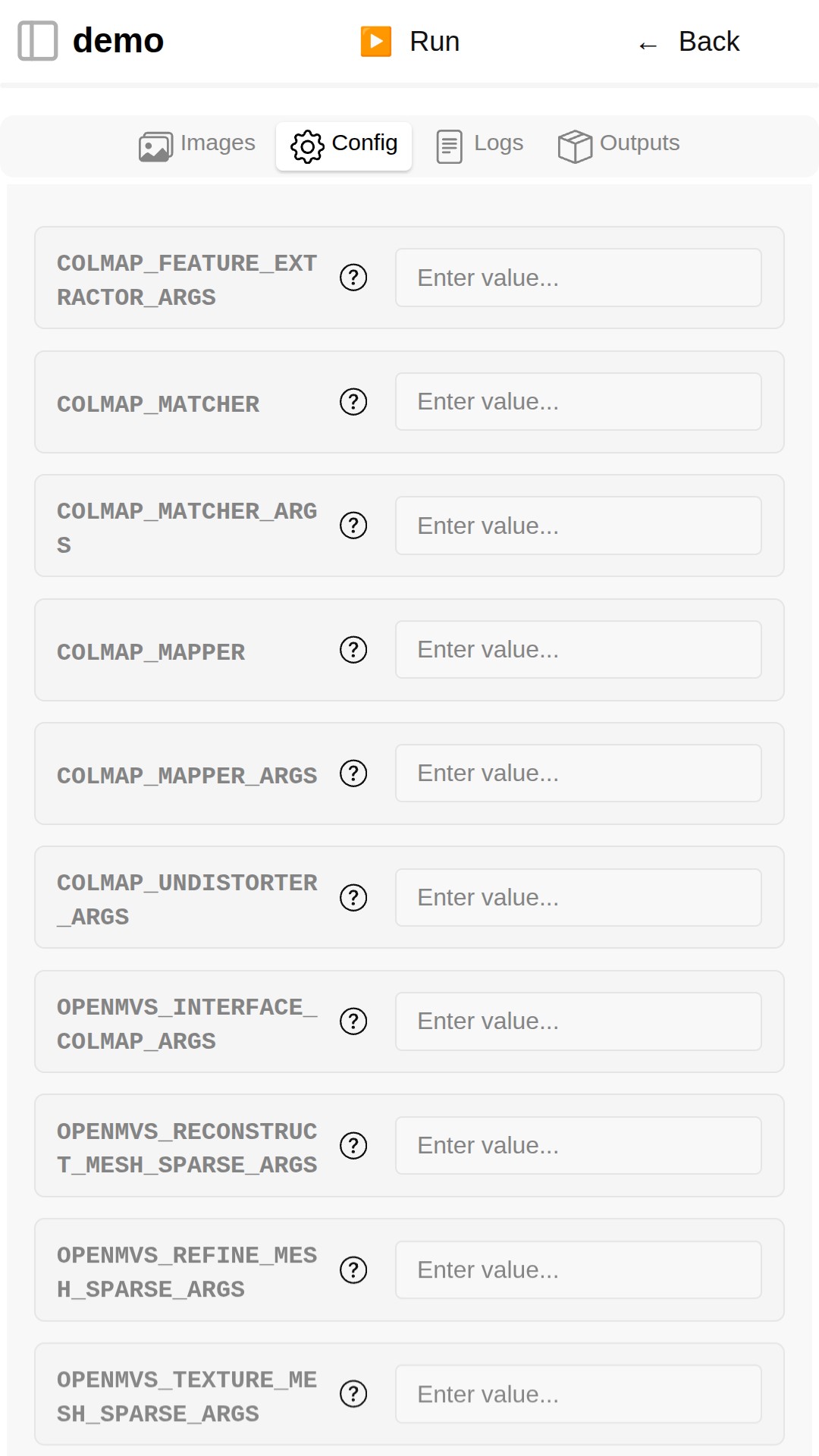
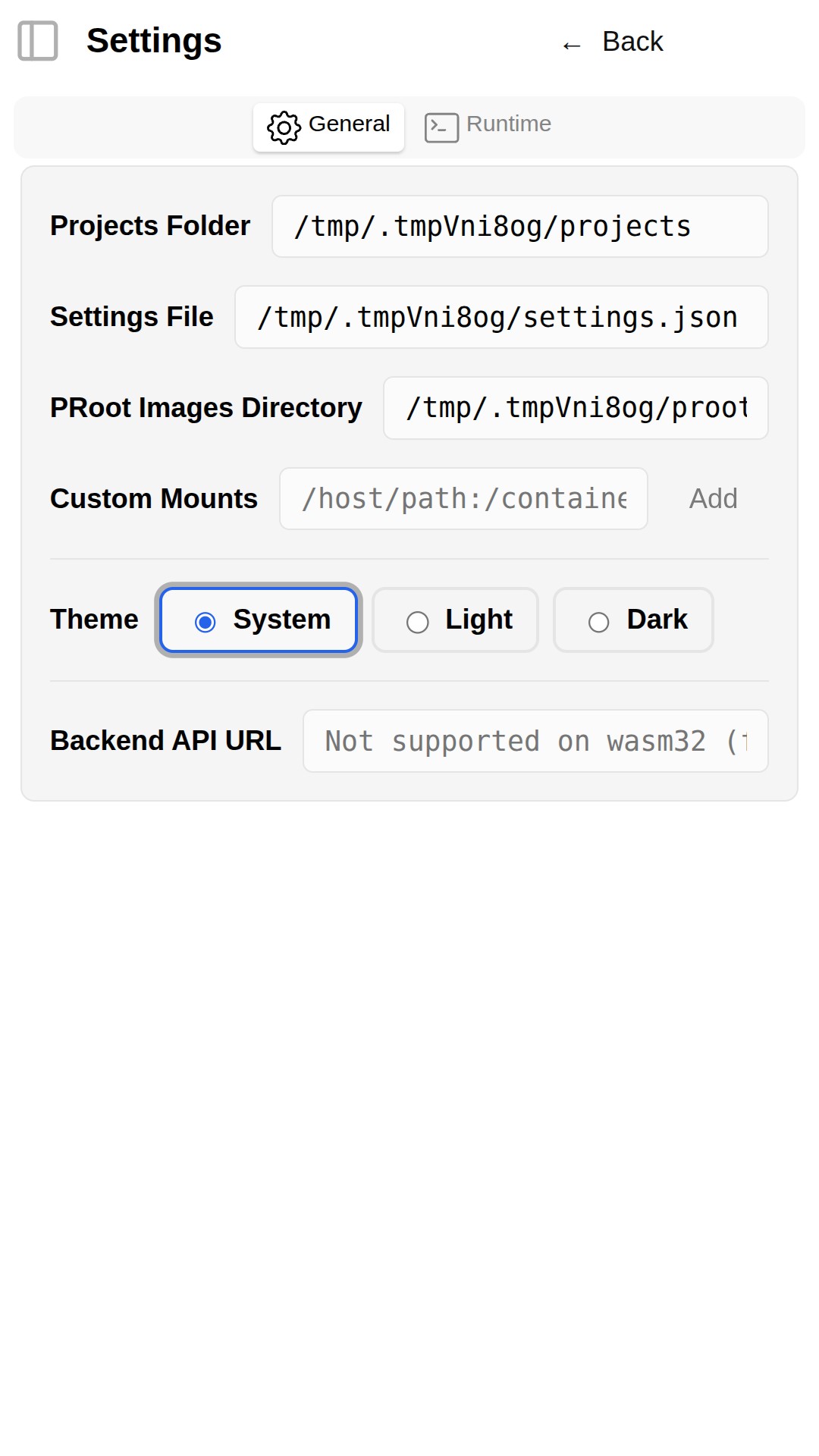
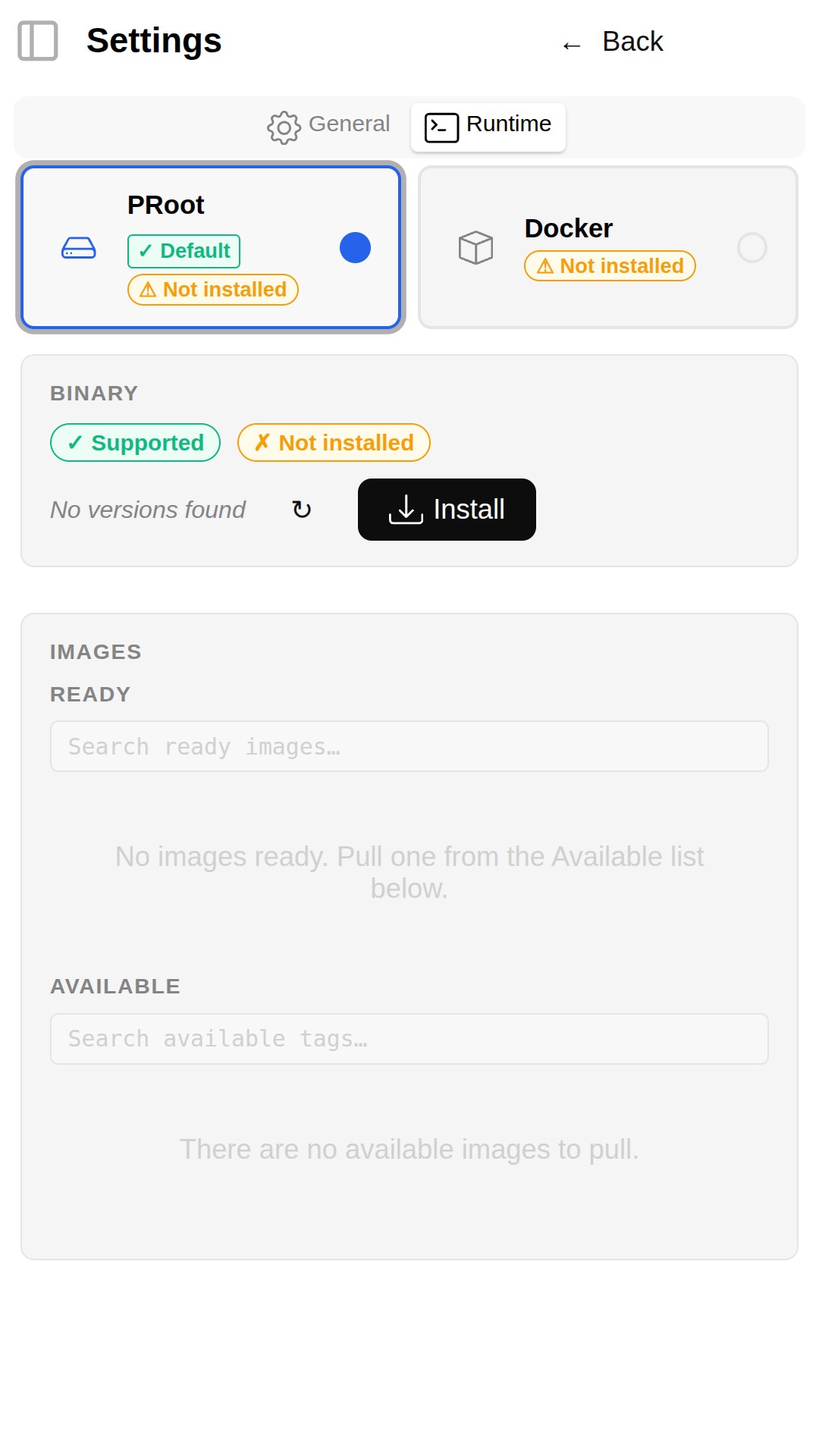
Screenshots are automatically captured from the latest web demo, which is rebuilt on every push to main.